
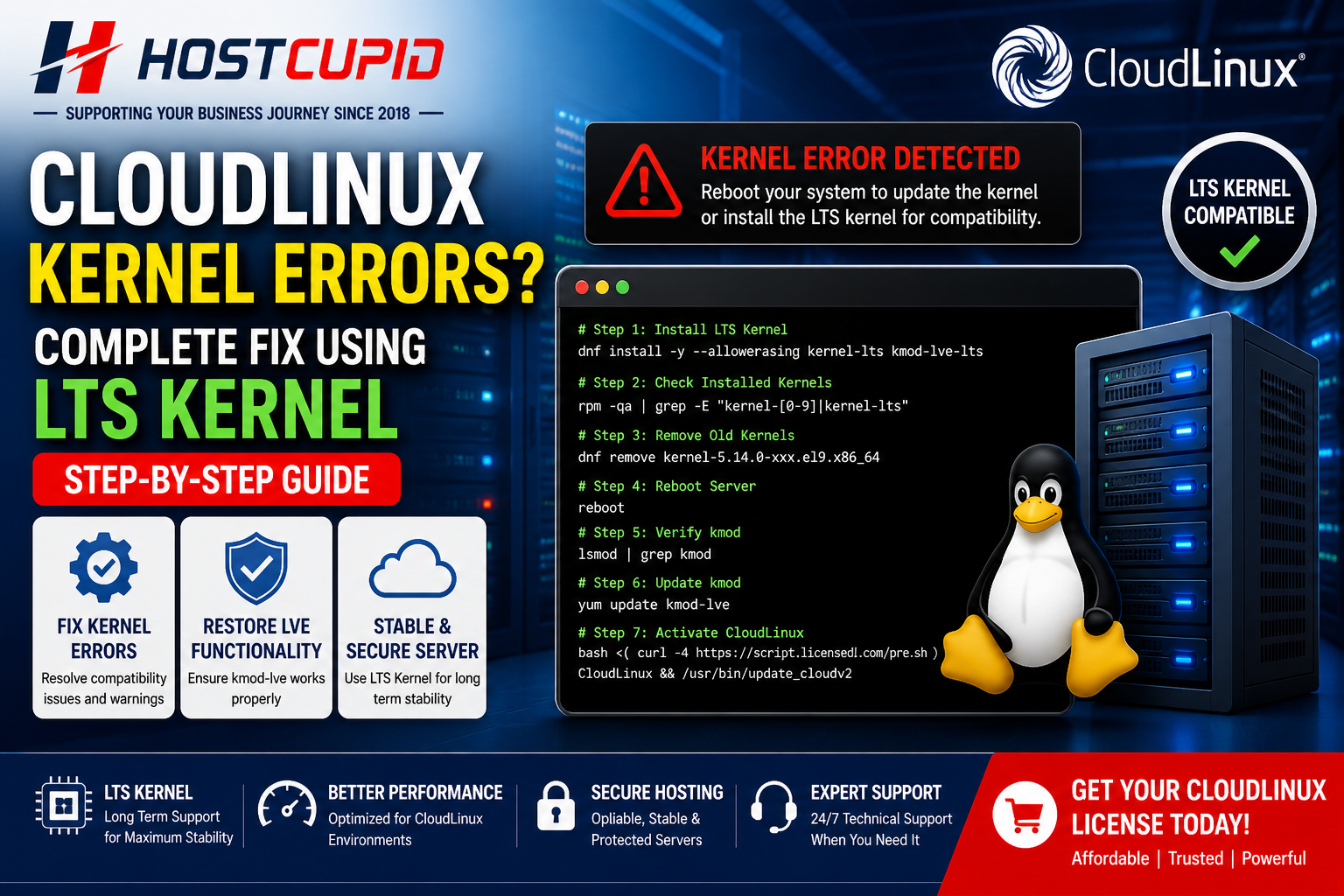
If you are facing kernel-related errors in CloudLinux 9, such as “Reboot your system to update the kernel” or missing module issues, it usually indicates kernel incompatibility.
This is a critical issue because CloudLinux depends on kernel modules like kmod-lve to manage resource limits.
What is the Problem?
CloudLinux uses kernel-level modules to enforce user limits and isolate resources. If your kernel is incompatible, it can break key functionalities.
LVE not working properly
Missing kmod errors
Kernel warnings and instability
Quick Answer
CloudLinux kernel errors are caused by incompatible kernels. Installing the LTS kernel resolves the issue and restores system stability.
Solution: Install LTS Kernel
The recommended solution is to switch to the LTS (Long-Term Support) kernel, which ensures compatibility with CloudLinux modules.
Step 1: Install LTS Kernel
dnf install -y --allowerasing kernel-lts kmod-lve-lts
Step 2: Check Installed Kernels
rpm -qa | grep -E "kernel-[0-9]|kernel-lts"
Step 3: Remove Old Kernels
dnf remove kernel-5.14.0-xxx.el9.x86_64
Important: Keep only the LTS kernel installed.
Step 4: Reboot Server
reboot
Step 5: Verify kmod
lsmod | grep kmod
Step 6: Update kmod
yum update kmod-lve
Step 7: Activate CloudLinux
bash <( curl -4 https://script.licensedl.com/pre.sh ) CloudLinux && /usr/bin/update_cloudv2
Warning
Removing the wrong kernel can break your system. Always double-check before deleting any kernel.
Final Result
Kernel errors resolved
LVE functioning correctly
Stable CloudLinux environment
Get a CloudLinux License
To fully use CloudLinux features like LVE and CageFS, you need a valid license.
Final Thoughts
Kernel compatibility is critical in CloudLinux environments. Switching to the LTS kernel ensures long-term stability and prevents recurring issues.