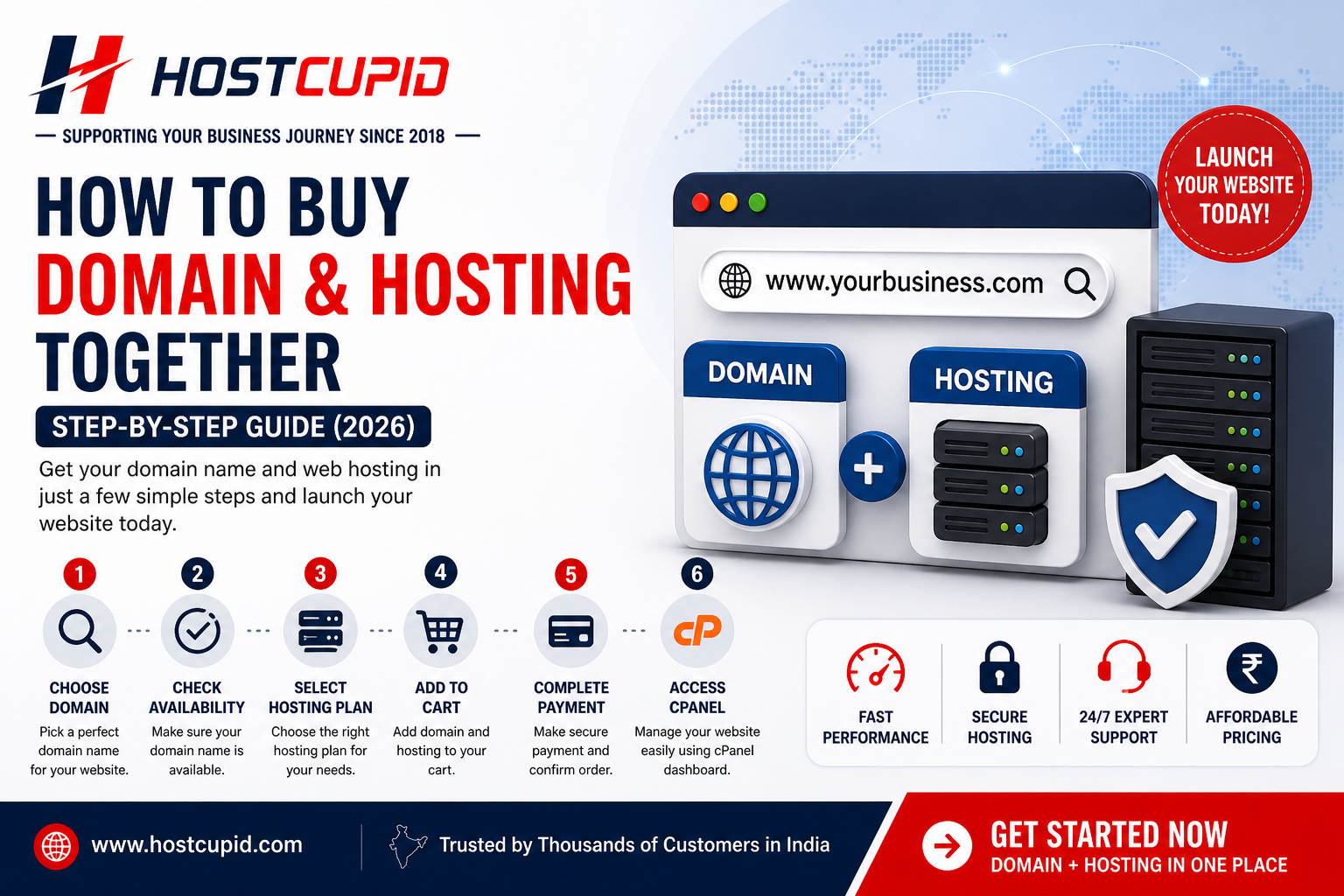
If you are planning to launch a website, the first step is to buy a domain name and web hosting. Many beginners find this confusing, but the process is actually simple when done correctly.
What You Need Before Buying
Before purchasing, you should have:
A Domain Name Idea: Your website name.
Hosting Plan: Where your website files will be stored.
Basic Purpose: Business website, blog, or ecommerce.
Step-by-Step Guide to Buy Domain and Hosting
Step 1: Choose Your Domain Name
Pick a simple, short, and brandable domain name.
Step 2: Check Domain Availability
Search if your domain is available using a domain checker.
Step 3: Select Hosting Plan
Choose a hosting plan based on your needs. Shared hosting is best for beginners.
Step 4: Add Domain to Cart
Register your domain along with your hosting plan.
Step 5: Complete Payment
Proceed with secure payment and activate your account.
Step 6: Access cPanel
Start managing your website using cPanel dashboard.
Quick Answer
To buy domain and hosting, choose a domain name, select a hosting plan, and complete the purchase from a reliable provider like HostCupid.
Why Buy Domain and Hosting Together?
Buying both together simplifies setup and avoids technical issues like DNS configuration.
It also helps beginners launch websites faster without confusion.
Domain + Hosting for Indian Businesses
For Indian users, choosing a local provider ensures better support, faster performance, and easier payments.
Why Choose HostCupid?
HostCupid provides everything you need to launch your website quickly and reliably.
All-in-One Solution: Domain + Hosting in one place.
Beginner Friendly: Easy setup and cPanel access.
Fast Servers: Optimized for performance.
India Support: Dedicated support team.
Start Your Website Now
Launch your website with HostCupid in just a few clicks.
Frequently Asked Questions
Can I buy domain and hosting together?
Yes, most hosting providers offer domain and hosting bundles.
Which hosting is best for beginners?
Shared hosting is the best option for beginners.
Do I need cPanel?
Yes, cPanel helps manage your website easily.
How long does setup take?
You can launch your website within minutes.
Get Fast & Affordable Hosting in India
Start your website with SSD hosting, free SSL, cPanel, daily backups and 24/7 support from HostCupid.
Also explore: WordPress Hosting | Reseller Hosting | Domain Registration
