
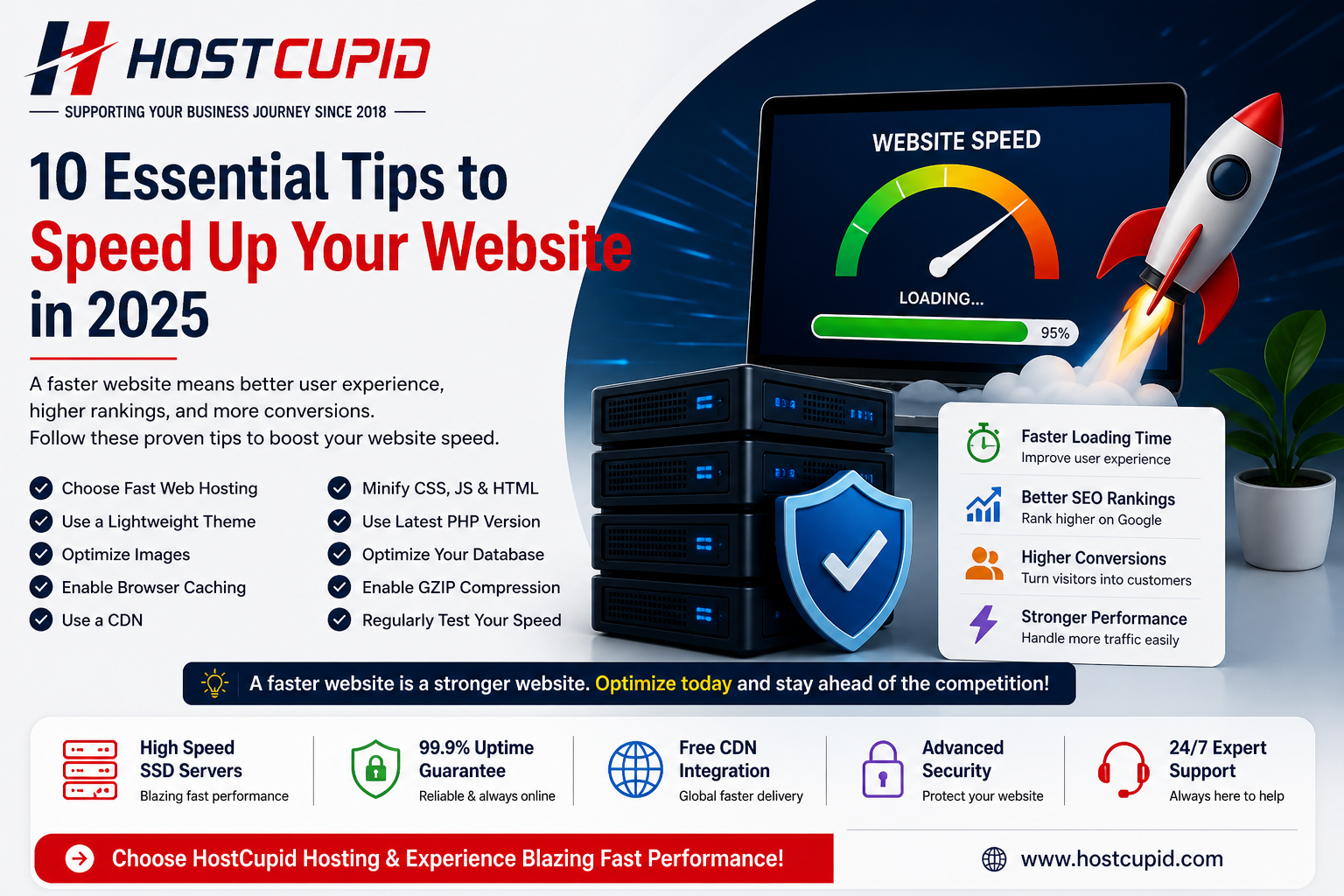
A fast website is no longer optional. In 2026, website speed directly affects user experience, Google rankings, conversions, and customer trust. Whether you run a business website, WordPress site, portfolio, or online store, improving page speed can help you get more enquiries and reduce bounce rate.
Here are 10 practical tips to speed up your website and improve performance.
1. Choose Fast Web Hosting
Your hosting server is the foundation of your website speed. A slow hosting plan can make even a well-designed website load slowly. Choose hosting with SSD storage, optimized servers, reliable uptime, and good technical support.
2. Use SSD Storage
SSD storage is faster than traditional hard drives. It helps your website files, database, and applications respond more quickly, especially for WordPress and business websites.
3. Optimize Images
Large images are one of the biggest reasons websites become slow. Compress images before uploading, use modern formats like WebP, and avoid uploading unnecessarily large files.
4. Enable Browser Caching
Browser caching allows repeat visitors to load your website faster by storing static files like images, CSS, and JavaScript in their browser.
5. Use a CDN
A Content Delivery Network stores copies of your website files across multiple locations. This helps users load your website faster from the nearest server.
6. Minify CSS, JavaScript, and HTML
Minification removes unnecessary spaces, comments, and extra code from your files. This reduces file size and improves loading speed.
7. Keep PHP Updated
Using the latest supported PHP version improves performance and security. Many WordPress websites become faster simply by upgrading PHP through the hosting control panel.
8. Optimize Your Database
Over time, databases collect unused data such as revisions, spam comments, expired transients, and old plugin data. Cleaning and optimizing the database can improve response time.
9. Use Lightweight Themes and Plugins
Heavy themes and too many plugins can slow down your website. Use only necessary plugins and choose a clean, performance-friendly theme.
10. Test Website Speed Regularly
Use tools like Google PageSpeed Insights, GTmetrix, or Lighthouse to monitor your website performance. Regular testing helps you find issues before they affect visitors.
Quick Answer: What is the Best Way to Speed Up a Website?
The best way to speed up a website is to use fast SSD hosting, compress images, enable caching, update PHP, use a CDN, and remove unnecessary plugins or scripts.
Why Website Speed Matters for SEO
Website speed affects how users interact with your site. Faster websites usually provide better user experience, lower bounce rates, and stronger conversion opportunities. Search engines also consider page experience and loading performance when evaluating websites.
How HostCupid Helps Improve Website Speed
HostCupid provides fast web hosting for Indian businesses with SSD storage, reliable infrastructure, security support, and beginner-friendly hosting solutions. If your website feels slow, choosing the right hosting plan is one of the first improvements you should consider.
Final Thoughts
Speed optimization is not a one-time task. It is an ongoing process that includes better hosting, clean website design, optimized images, updated software, and regular performance checks.