2. In the "Files" section, click on "Backup Wizard" Icon.

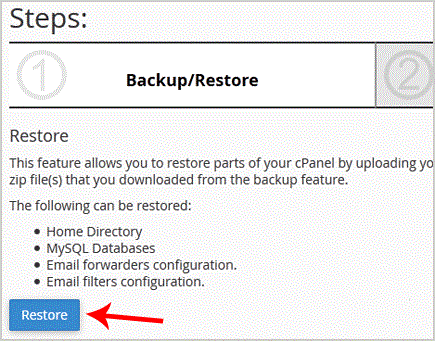
3. Under "Backup/Restore" text,. "Restore" button.
. Under "Select Restore Type", choose the appropriate option.

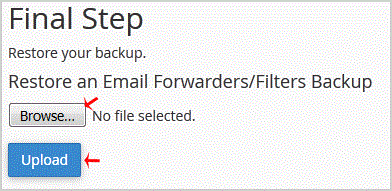
5. Click on "Browse", select your backup file from your PC, and. "Upload" button.