1. Log into your cpanel account.
2. In the "Advanced" section, click on "Cron Jobs" Icon.

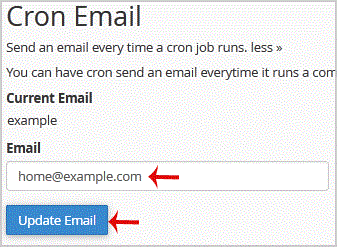
3. Under "Cron Email" you should enter your full e-mail address in text field.
.. "Update Email" button.


Fast, affordable SSD web hosting with free SSL & 24/7 local support.
Trusted in Chennai • 4.7★ Google rating • Free migration • Secure payments
Copyright © HostCupid Web Solutions Private Limited. All Rights Reserved.