Published 29 November 2026
To check whether a website is ready for PHP 8.5, first confirm that its framework, plugins, themes, Composer dependencies and required PHP extensions support that version. Then test a copy of the site in a staging environment, check logs and important user journeys, and only upgrade production after those checks pass.
PHP 8.5 was released on 20 November 2025. A release date alone does not mean every website should switch immediately: compatibility depends on the application and the software it uses. For an Indian business site or online store, a planned test is safer than changing the PHP version during a busy sales or enquiry period.
What does PHP compatibility mean?
PHP compatibility means that the code and runtime components a website needs work correctly with a particular PHP version. That includes the site’s own code, its framework or content management system, extensions, and third-party packages. A site may load its home page yet still fail when a customer checks out, submits a form or generates an invoice.
Also check the difference between PHP being available on a server and PHP being selected for your website. On cPanel hosting, the available versions and selection method depend on the hosting provider’s server configuration. Ask the provider which versions and extensions are available for your account instead of assuming that a version listed in a guide is selectable on every server.
Check these items before testing
- Application support: Check the official compatibility information for your framework, CMS or ecommerce platform. If you use WordPress, verify the requirements and compatibility guidance for WordPress itself and for the plugins and theme your site depends on.
- Composer dependencies: Review your project’s
composer.jsonPHP requirement and the requirements of installed packages. A declared version range is useful, but it does not prove that custom application code or every package behaves correctly at runtime. - Extensions: List the PHP extensions the application needs, such as database drivers or image-processing modules. Confirm that the target PHP configuration provides them and that the application can use them.
- Custom code: Search for old or unsupported patterns, then run your project’s tests and code checks if available. Pay particular attention to payment, shipping, login, email and scheduled-task code.
- Operational dependencies: Check whether cron jobs, command-line scripts and deployment tools use the same PHP version as the website. A working browser page does not establish that background jobs are compatible.
A safe PHP 8.5 test sequence
- Record the current setup. Note the production PHP version, enabled extensions, application version and any custom PHP settings you know about. Keep a record of how to restore the previous version if the test reveals a problem.
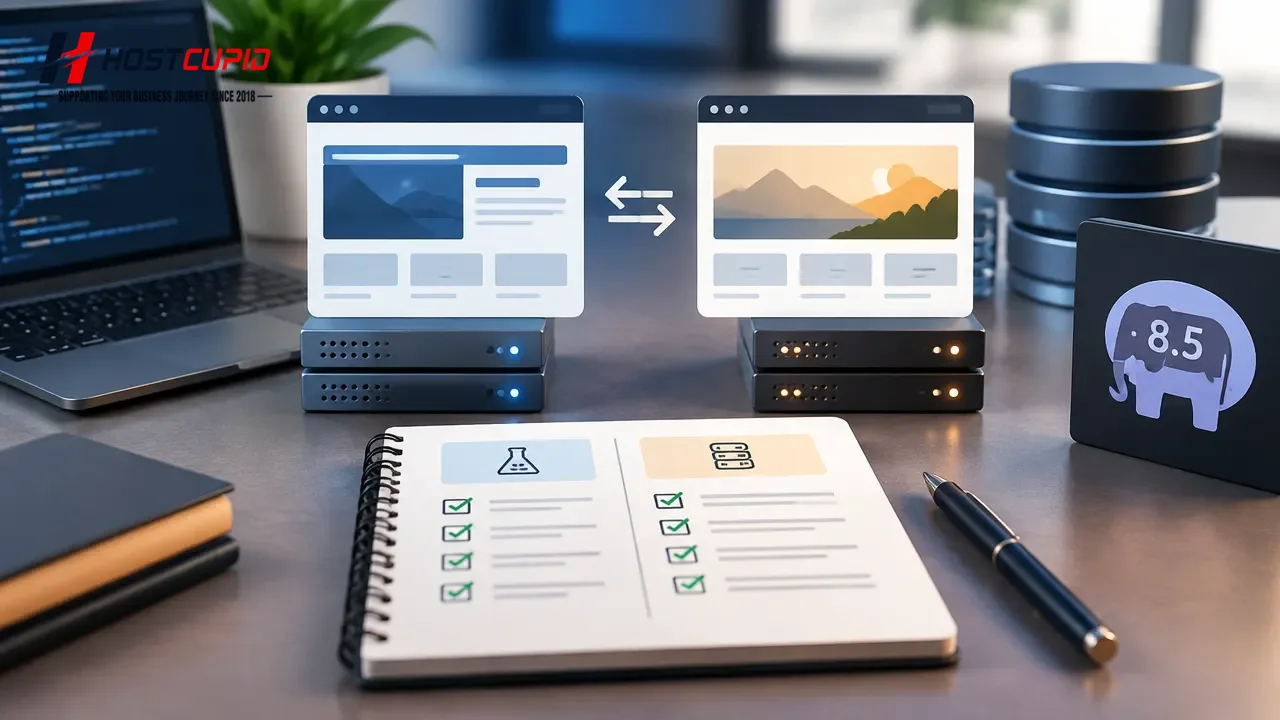
- Make a separate test copy. Use a staging site or another non-production environment with a recent copy of the files and database. Avoid testing by changing the live site’s PHP version first. Protect staging from public access and search indexing where appropriate.
- Select PHP 8.5 only for the test site. Use the hosting control panel if it offers per-site PHP selection, or ask the hosting provider to confirm the supported method. Check that the test site has the extensions and settings the application requires.
- Exercise real tasks. Test login, forms, search, checkout, payment callbacks, order emails and administrator actions as relevant. Run cron jobs and command-line tasks separately; record failures rather than treating a successful home-page load as a pass.
- Review errors and results. Check PHP and application logs for warnings, fatal errors and deprecations. Compare key pages and transactions with the previous test baseline, and fix or investigate issues before considering a production change.
- Plan the production switch. Choose a quieter period, preserve a restorable backup, and arrange a way to switch back if critical functions fail. Recheck the live site and logs after the change.
Do not upgrade a live store solely because the newest PHP version is available. A tested rollback plan and working checkout matter more than being first to change versions.
How to decide whether to proceed
| Test result | Practical decision |
|---|---|
| Framework, dependencies and extensions support PHP 8.5; staging checks pass. | Plan a controlled production upgrade and verify the live site afterwards. |
| A required plugin, package or extension has no confirmed compatibility. | Hold the upgrade and seek confirmation or a supported replacement. |
| Staging shows errors, broken tasks or failed customer journeys. | Fix the cause and repeat testing before changing production. |
| Your host does not offer PHP 8.5 for the account. | Ask which versions are supported and whether the environment can be updated; do not try to bypass server configuration. |
Keep the site on a PHP branch that receives security updates while you plan compatibility work. PHP’s official release information explains the support lifecycle; do not treat an old branch as a permanent workaround for software that needs updating.
Where HostCupid fits
HostCupid Web Solutions Private Limited is a Chennai-based provider of shared and WordPress hosting, website development and migration support. For a customer using one of these services, a practical first question is whether the hosting account offers the target PHP version and required extensions. If the site is being migrated or redeveloped, include PHP compatibility in the test plan rather than discovering a version mismatch after launch.
Whether you manage the change yourself or ask a developer or hosting provider for help, provide the application version, required extensions and any staging errors. That gives the person investigating the issue something concrete to check without assuming that every PHP warning requires a version rollback. Make the final decision from test results and application requirements, not from the version number alone.
Sources
- PHP: PHP 8.5.0 Release Announcement · 2025-11-20
- PHP: Supported Versions
- PHP: Migrating from PHP 8.4.x to PHP 8.5.x
- cPanel & WHM Documentation: MultiPHP Manager for cPanel