Published 13 October 2026
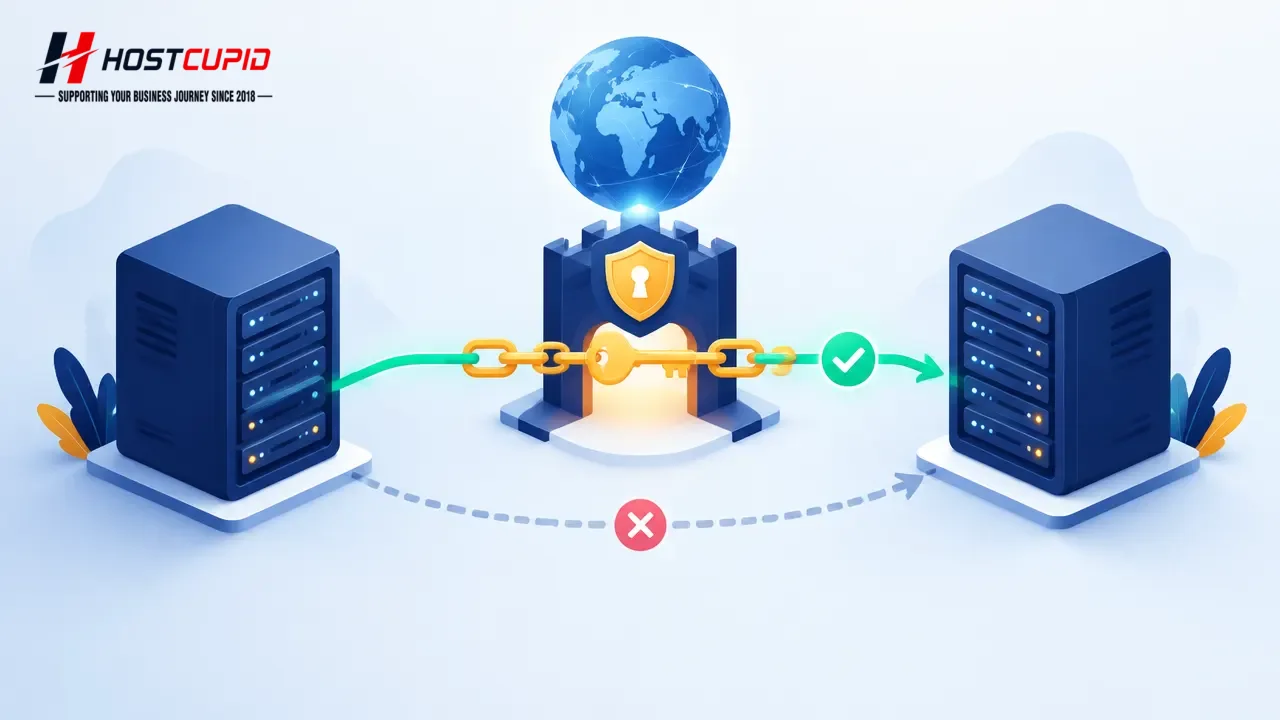
When you move a website to another hosting server, DNSSEC adds one important dependency to the plan: the Delegation Signer (DS) record at your domain registrar must match the DNSSEC key published by the authoritative DNS service. If DNSSEC remains enabled with an old or mismatched DS record, validating resolvers can reject DNS responses, making the domain appear unreachable even when the new website is ready.
DNSSEC—Domain Name System Security Extensions—uses digital signatures to help resolvers check that DNS data is authentic. It does not encrypt website traffic; HTTPS/TLS serves that different purpose. The migration risk is a broken chain of DNS validation, not a problem with the site files themselves.
Why the registrar and hosting server both matter
The DNS zone contains a DNSKEY record associated with the signing key. The registrar publishes the DS record in the parent zone, linking the domain to that key. A resolver checks that chain. Changing hosting or DNS providers may change where the zone is managed and which DNSSEC keys are active, so the registrar’s DS data must be coordinated with the destination DNS service.
Moving an account is not automatically the same as moving authoritative DNS. First identify which nameservers are authoritative and where the domain’s DNSSEC is managed. Your registrar account controls the DS record, while cPanel’s Zone Editor may expose DNSSEC controls for the hosted zone. The provider must support the required DNSSEC setup; cPanel documents DNSSEC support in relation to PowerDNS.
Before the migration: establish what is active
- Check DNSSEC status: look in the registrar’s domain settings for DNSSEC or DS records, and ask the DNS provider or server administrator if the setting is unclear.
- Identify authoritative nameservers: confirm whether DNS is hosted with the current hosting account, a separate DNS provider, or the registrar. Do not assume that the website host also controls DNS.
- Record the current DNS zone: note the A/AAAA, CNAME, MX, TXT and other records needed for the website, email and third-party services. Preserve existing SPF, DKIM, DMARC and verification records.
- Confirm destination support and plan: ask the destination administrator how DNSSEC keys and the registrar DS record will be handled. Agree on the order of changes before altering either side.
- Keep a rollback contact and copy: retain access to the registrar and current DNS provider until the new setup has been checked.
Important: Do not delete or deactivate a DNSSEC key in cPanel while its DS record remains published at the registrar. cPanel warns that an outdated DS record can cause DNS resolution problems.
A safer migration sequence
- Prepare the new account and site. Transfer files, databases, email requirements and DNS records. Test the site on the destination using an appropriate preview method before changing public DNS.
- Choose the DNSSEC transition with the DNS administrator. If the zone will be signed with different keys, the registrar’s DS record must be updated to match the destination keys. In some migrations, the documented approach is to remove the old DS record first, allow that change to propagate, complete the transfer, and then publish the new DS record. Follow the provider’s exact sequence; do not improvise by copying old DS data.
- Make the registrar change deliberately. Obtain the correct new DS values from the authoritative DNS provider or cPanel interface, and enter them at the registrar only when the destination signing setup is ready. Verify key tag, algorithm and digest fields carefully.
- Switch nameservers or website records as planned. Avoid changing unrelated mail records during the same window unless required. DNS caching means different users may observe changes at different times.
- Validate the result. Check that the site resolves over HTTPS, email records remain present, and DNSSEC validation succeeds using a DNSSEC validation tool. Ask the administrator to inspect authoritative responses if validation fails.
What to do if the domain stops resolving
First determine whether the issue affects all visitors or only DNSSEC-validating resolvers. Check the registrar’s current DS record against the active DNSSEC keys at the authoritative DNS provider. If they do not correspond, contact the registrar or DNS administrator to correct the chain; repeatedly changing A records will not fix a DS/key mismatch.
Do not remove keys or DS records as a guess. Changes may take time to propagate, and removing one side in the wrong order can extend the outage. Keep a timestamped record of each change and the previous values, and coordinate a rollback only with the party managing authoritative DNS.
Who should own this checklist?
For a small business, the domain owner should retain registrar access while the web developer or hosting administrator coordinates the destination zone. Agencies and resellers should document DNSSEC status during client onboarding and migration handover; it is easy to miss when a site transfer is treated as only a file-and-database copy.
HostCupid Web Solutions Private Limited is a Chennai-based provider of shared, WordPress, reseller and master-reseller hosting, and offers migration assistance. For a customer moving a cPanel-oriented site, DNSSEC status is a useful item to raise before scheduling the DNS switch, especially when registrar access is held by a different team. This helps clarify responsibilities; it is not a guarantee against downtime.
Bottom line: treat DNSSEC as part of the domain migration, not a setting to revisit after the site move. Confirm who controls the zone, coordinate the DS record with the active keys, and validate DNS before calling the transfer complete.
Sources
- Zone Editor — cPanel & WHM Documentation · 2026-10-01
- DNSSEC — cPanel & WHM Documentation · 2026-07-24
- How to Rotate a DNSSEC Key — cPanel & WHM Documentation · 2026-07-08