
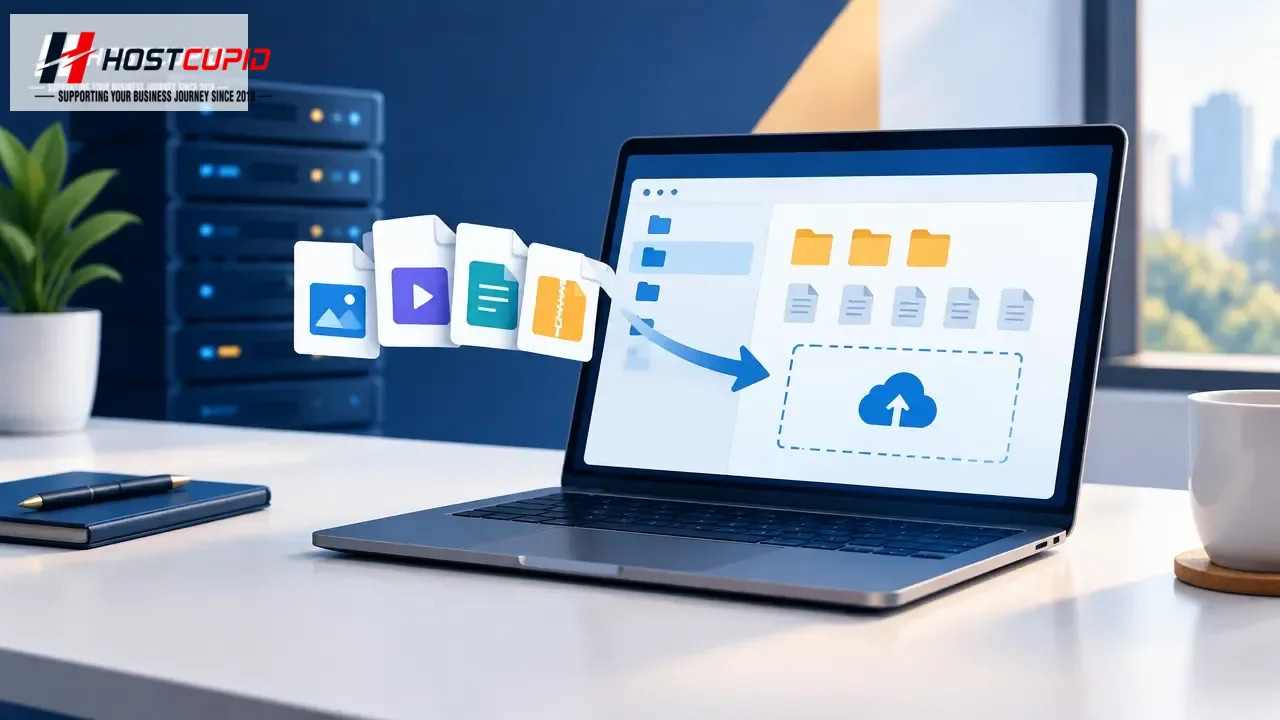
You can upload files through cPanel File Manager without using separate FTP software.
- Log in to cPanel.
- In the Files section, click File Manager.
- In File Manager, open the folder where you want to upload the files. For example, to upload files to your website’s document root, open
public_html. You can find folders in the left-hand directory tree; double-click a folder to open it. - Click Upload.
- Click Select File, then choose a file from your computer. The upload begins automatically.