
- Log in to your cPanel account.
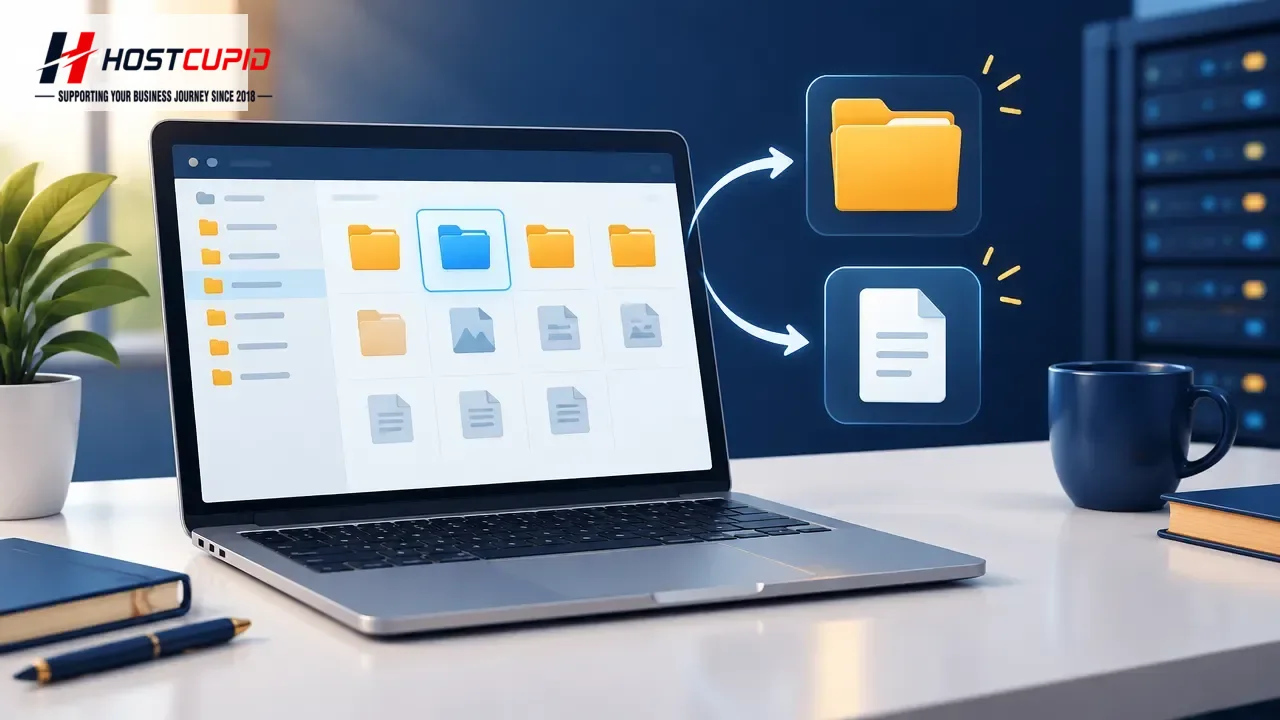
- In the Files section, click File Manager.
- Select the domain or folder location where you want to create the item, then click Go.
- To create a folder, click + Folder.
- Enter a folder name, such as
myfolder, in the New Folder Name field, then click Create New Folder.
Create a new file
- In File Manager, click New File.
- Enter a filename, such as
myfile.txt, in the New Filename field, then click Create New File.