
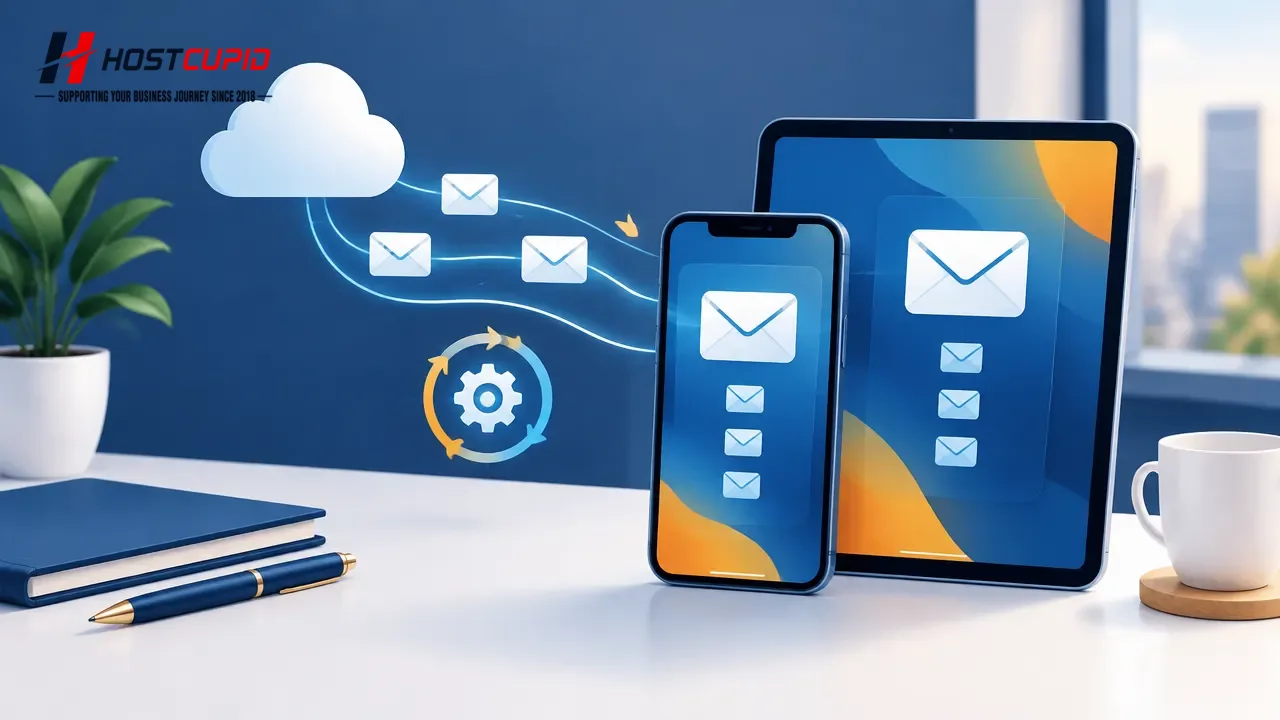
Choose how often your iPhone or iPad checks for new messages from your cPanel email account.
Open Settings on your device.
Tap Mail, Contacts, Calendars. On newer iOS versions, this may appear as Mail.
Tap Fetch New Data.
Select a fetch interval, such as Every 15 Minutes, or choose a manual option. Available settings may vary by iOS version and account type.
Your device will check for new messages according to the selected schedule. With manual fetching, open Mail and refresh the inbox to check for new messages.