
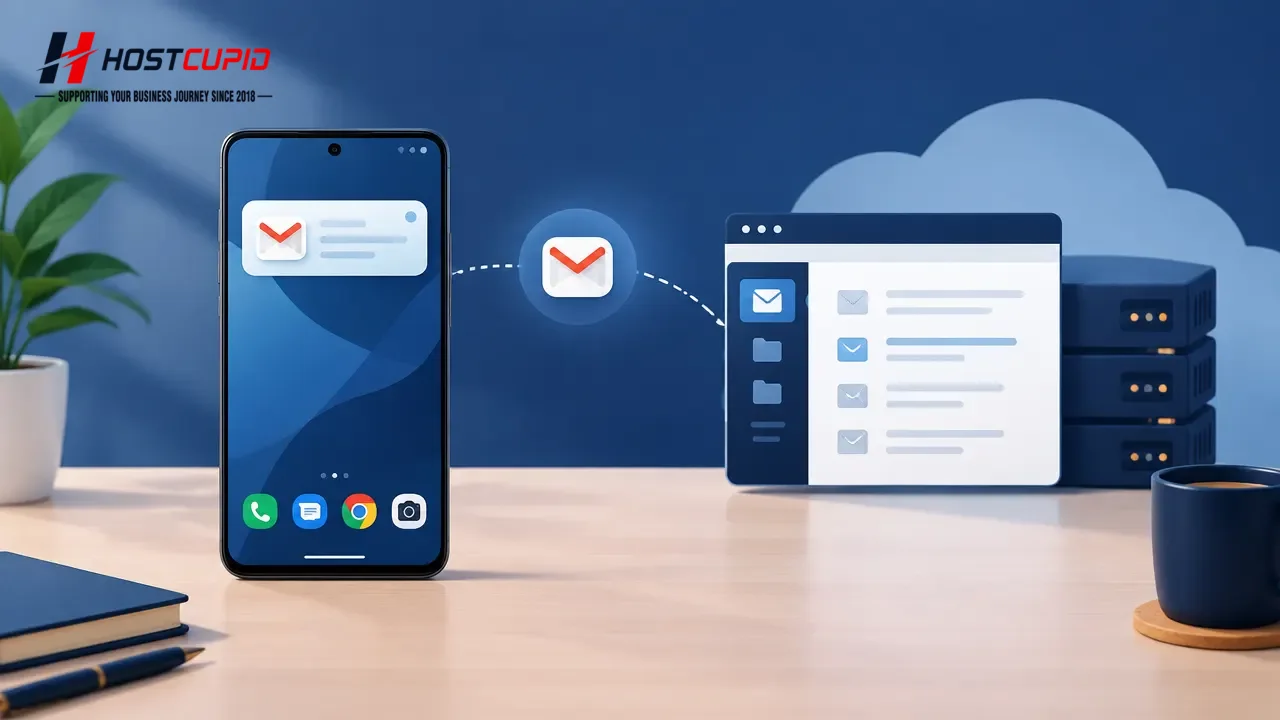
If your cPanel email account is already set up in Android’s built-in email app, you can add a home screen widget for quick access to its messages.
On your Android home screen, touch and hold an empty area, then tap Widgets.
Swipe through the available widgets until you find Email Folder. Touch and hold it, then drag it to the home screen.
Position the widget on the home screen and release it.
When prompted to choose a folder, tap Inbox.
Tap Done to finish setting up the widget.
Use the new home screen widget to view messages in the selected folder. The email app may sync messages when you open the widget, depending on your device and app settings.