
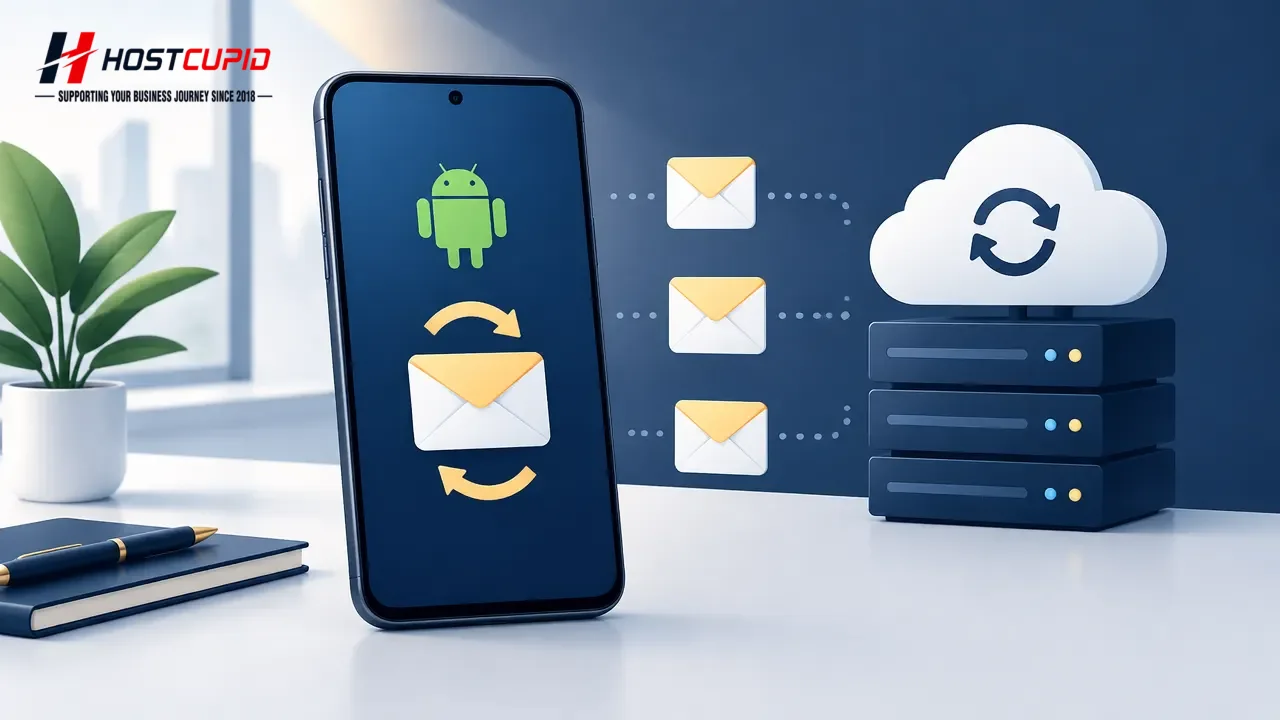
Open the email account you added to your Android email app.
- Tap the email inbox icon.
- In the mail options, tap the menu button, then tap Refresh.
Alternatively, tap an empty area of the inbox and swipe down to refresh. The app will sync and check for new email.
After syncing, new messages will appear in the inbox.