
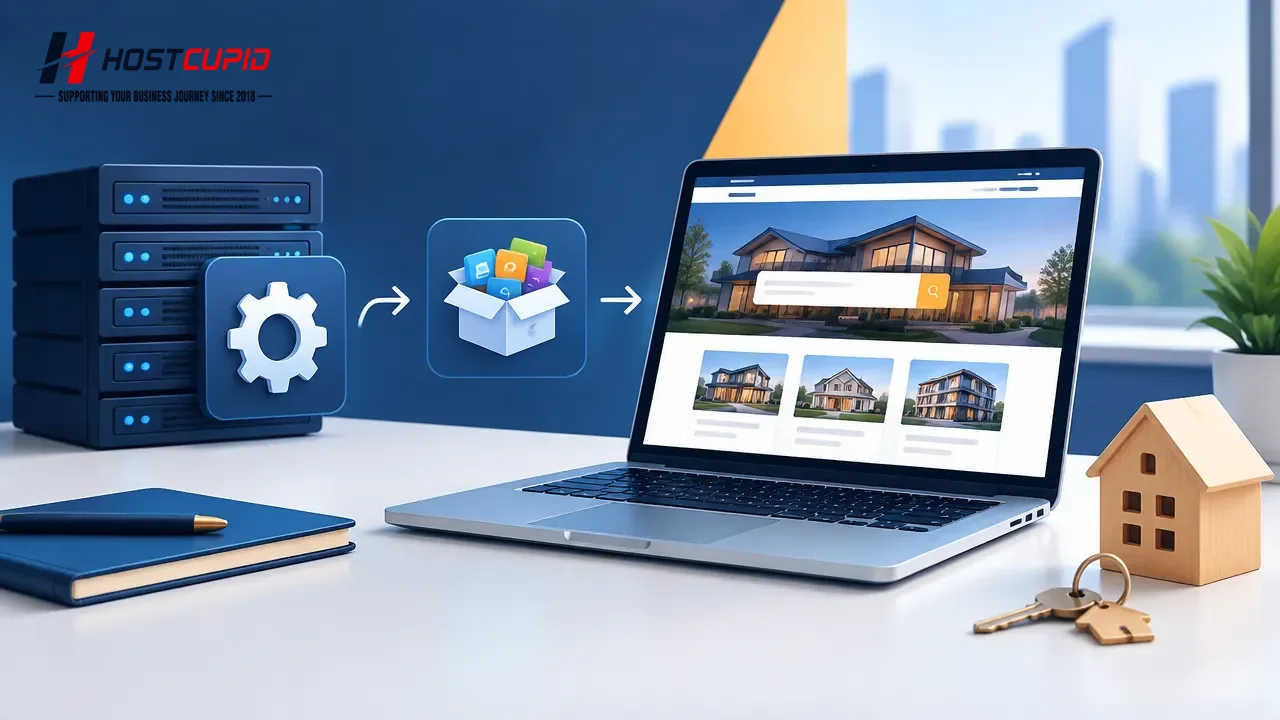
- Log in to your cPanel account.
- Under Software, click Softaculous App Installer.
- In Softaculous, open the Portal/CMS category and select Open Real Estate.
- Click Install.
- Under Software Setup, configure the installation:
- Choose Protocol: Keep the default selection unless you need a different protocol.
- Choose Domain: Select the domain where you want to install Open Real Estate. If you have only one domain, keep the selected domain.
- In Directory: Enter a directory name to install in a subdirectory, such as
directoryforexample.com/directory. Leave this blank to install on the domain itself.
- Under Site Settings, enter a Site Name, such as “Real Estate.”
- Under Admin Account, enter:
- Admin Username: Choose a username other than “Administrator” or “Admin.”
- Admin Password: Use a strong password.
- Admin Email: Enter your email address.
- Save your administrator username and password somewhere secure; you will need them to access the site’s admin area.
- Leave Advanced Options unchanged unless you want to customize settings such as the database name or automated backups. Backups can use disk space. Scroll to the bottom of the page and click Install.