
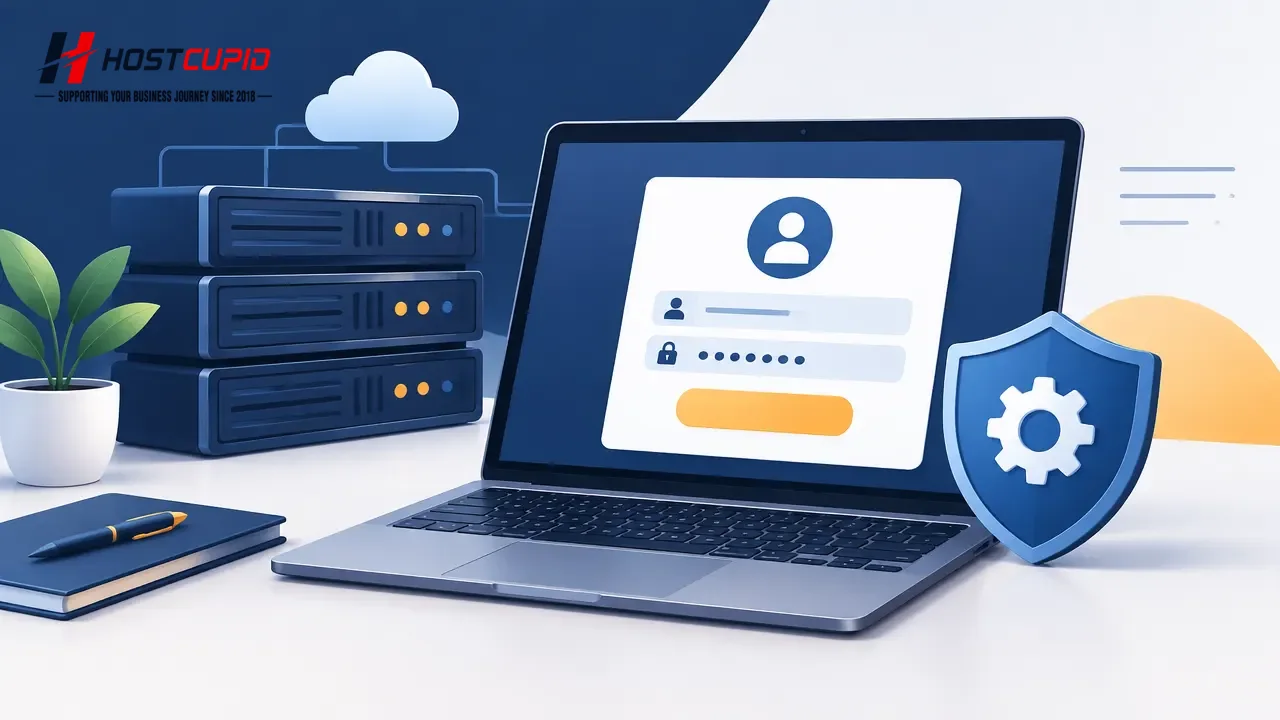
Use the control panel URL, username, and password provided in your VPS welcome email.
Example login details:
- Control panel URL:
https://cp.example.comor the supplied IP address - Username: Your SolusVM username
- Password: Your SolusVM password
Log in to SolusVM
- Open the control panel URL in your browser.
- Enter your SolusVM username and password in the corresponding fields.
- Click Login to open your VPS management area.