
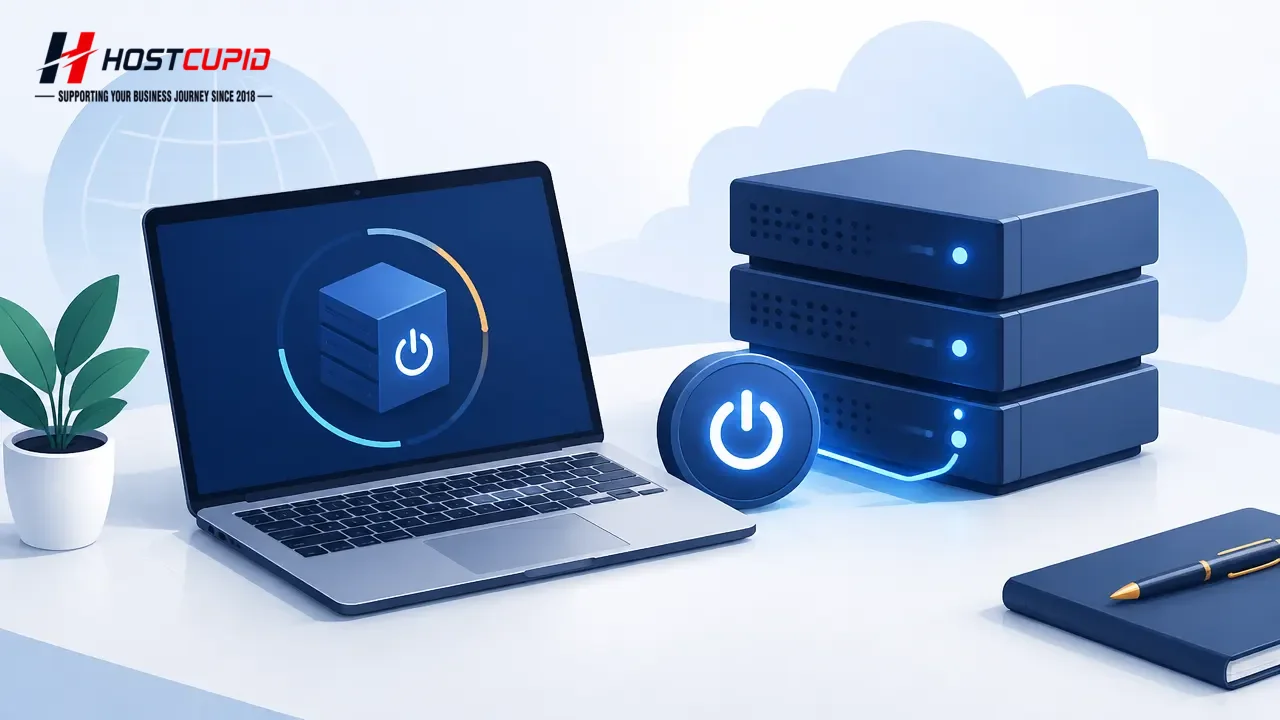
If your VPS is offline, you can start it from the SolusVM control panel.
- Log in to your SolusVM control panel.
- If you manage multiple VPS instances, select the VPS you want to start.
- Scroll down to the Boot option and click it.
- When the confirmation window appears, click Yes.
It may take a few minutes for the VPS to start.