
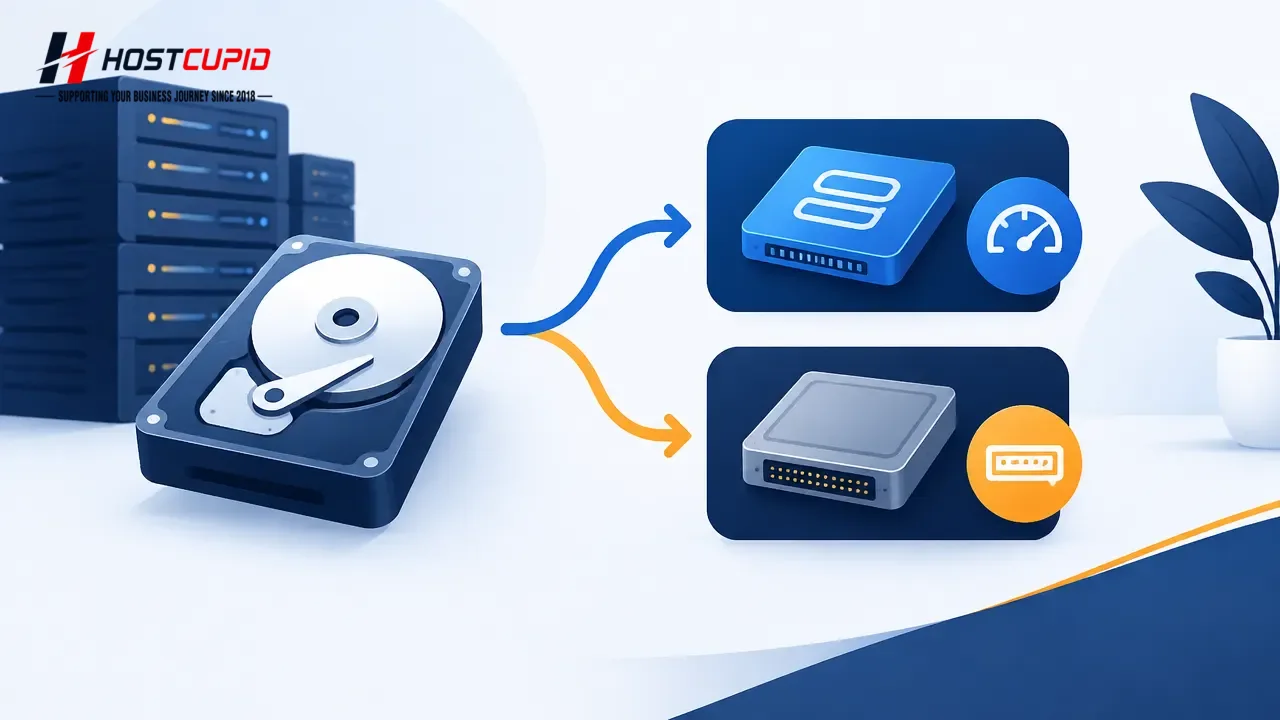
Set the disk driver to Virtio or IDE before installing or reinstalling your operating system. Changing it afterward may prevent the system from finding the disk.
- Log in to your SolusVM control panel.
- If you manage multiple VPSs, select the VPS you want to configure.
- Scroll to the Settings tab and choose Virtio or IDE from the Disk Driver dropdown.
- Reboot the VPS, then install or reinstall the operating system. The installation will use the selected disk driver.