
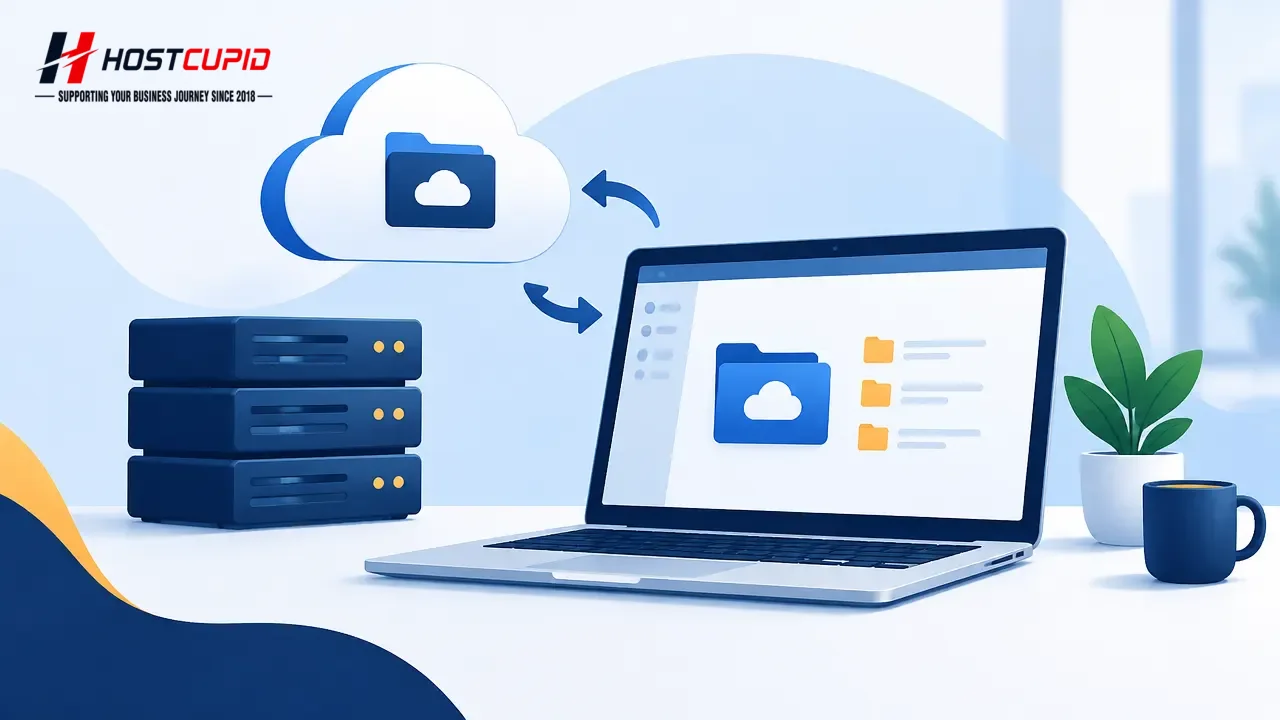
Use cPanel Web Disk to access your website files from a supported operating system.
Log in to cPanel, for example, at
example.com/cpanel.In the Files section, click Web Disk.
Under Main Web Disk Account, click Configure Client Access.
Select your operating system from the drop-down menu, then click Download Configuration Script.
Open the downloaded script and follow its prompts. When asked, enter your Web Disk or cPanel login credentials to connect and access your website files.
Note: On Windows, if the server does not use SSL, enable Digest Authentication. Port 2078 must also be allowed through your computer’s firewall.