
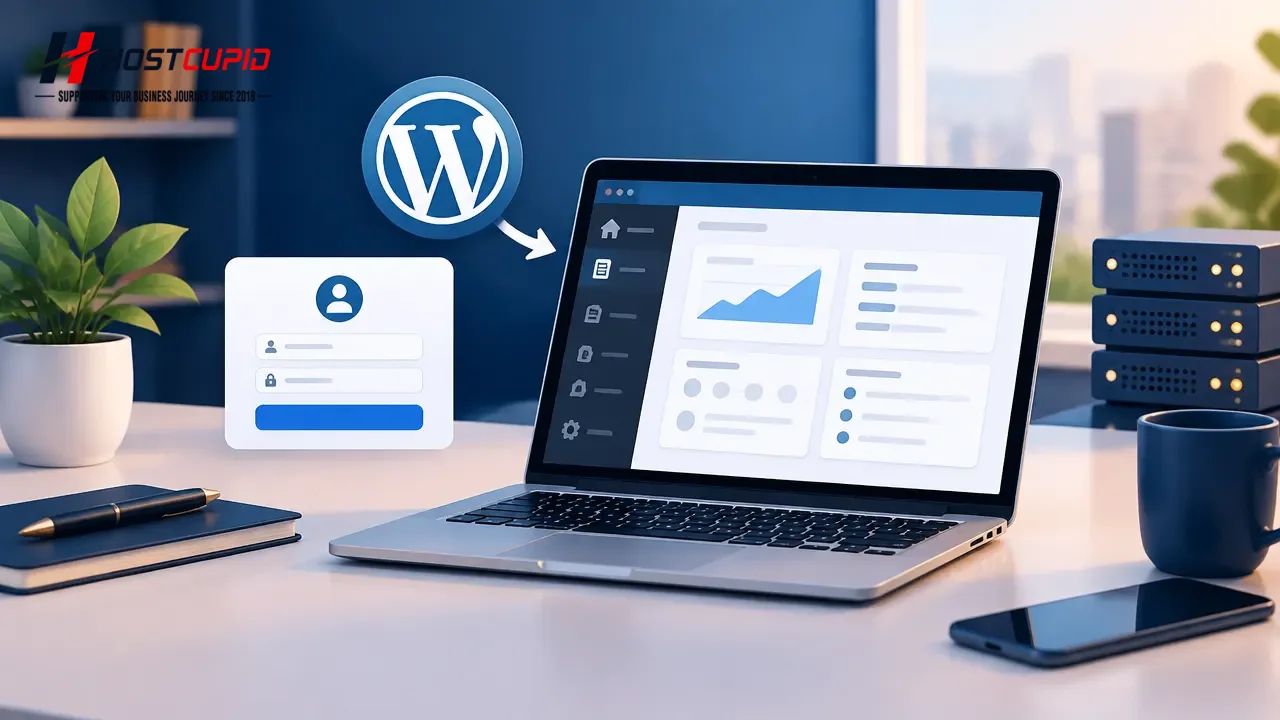
The WordPress admin dashboard is where you manage your website content, plugins, themes, users and settings.
- Open your web browser.
- Enter your website address followed by
/wp-admin/. For example:https://example.com/wp-admin/. - Enter your WordPress administrator username or email address and password.
- Click Log In.
After successful authentication, WordPress opens the administration dashboard. If you cannot sign in, use the password-reset option on the login page or contact your website administrator.