
How to Change Your WordPress Display Name
You can change the name displayed on your WordPress posts and comments without changing your username. Log in to your WordPress admin dashboard. In the dashboard ...
Read guide →

Search 17 HostCupid guides covering hosting, cPanel, WordPress, domains, email, security and website operations.
17articles
You can change the name displayed on your WordPress posts and comments without changing your username. Log in to your WordPress admin dashboard. In the dashboard ...
You can trigger a reinstall of a plugin’s files through WordPress without first removing the plugin. This method is intended to preserve the plugin’s stored data,...
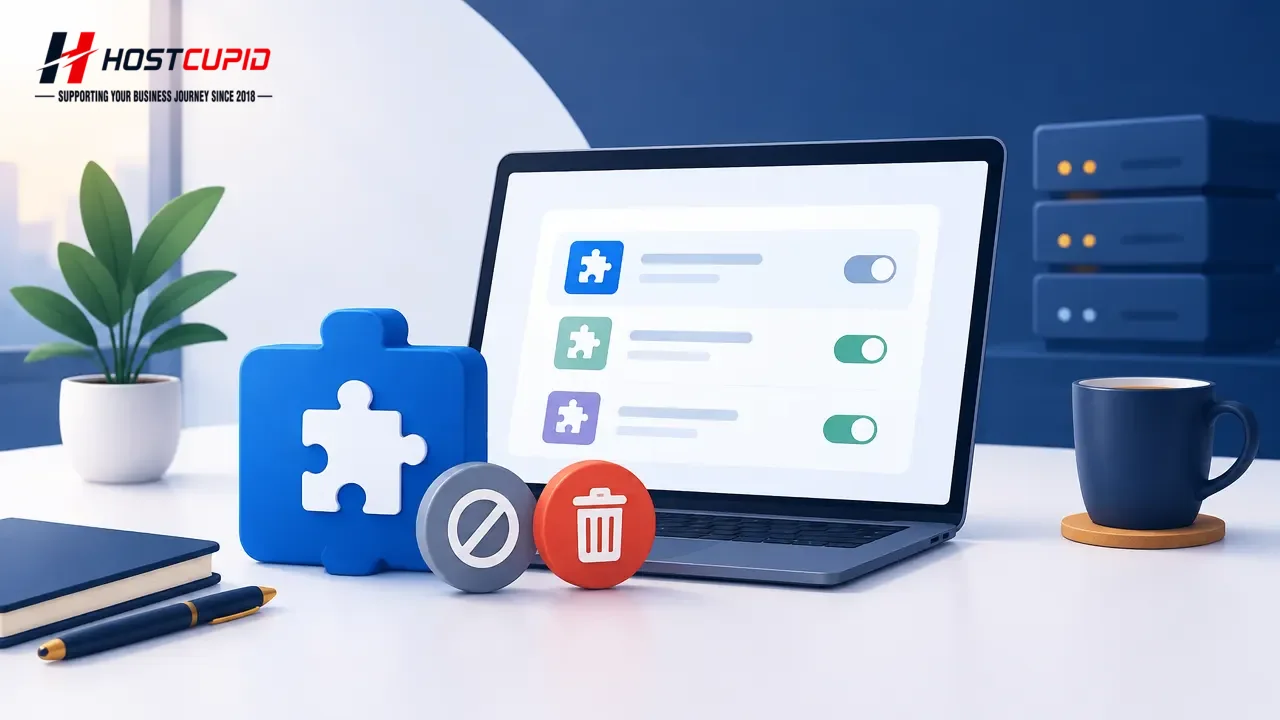
You can deactivate plugins you no longer use from the WordPress admin dashboard. A plugin must be deactivated before you can delete it. Log in to your WordPress a...
To install a plugin manually through the WordPress dashboard, first download its ZIP file to your computer.Sign in to your WordPress admin dashboard.Hover over Pl...

Remove themes you no longer use to keep your WordPress installation tidy. You cannot delete the active theme; switch to another theme first if needed.Log in to yo...
Log in to your WordPress admin dashboard.In the dashboard menu, go to Posts and select Categories.Find the category you want to remove. Hover over its name and cl...
WordPress does not let you delete its default category while it is assigned as the default for posts. You can rename it instead.Log in to your WordPress admin das...
Log in to your WordPress admin dashboard. In the sidebar, go to Posts and select All Posts. Select the checkbox at the top of the posts list to select all posts o...
You can remove a published or draft post by moving it to the Trash.Log in to your WordPress admin dashboard.In the dashboard menu, hover over Posts and click All ...

To remove the default sample content from a new WordPress site: Log in to your WordPress admin dashboard. Go to Posts > All Posts. Hover over the “Hello world!” p...
If you are logged in to your WordPress admin account, you can change your password from your profile.Log in to your WordPress admin dashboard.Hover over Users in ...
Log in to your WordPress admin dashboard.In the left-hand menu, hover over Posts, then select Categories.Under Add New Category, enter the category details:Name: ...