
How to Forward an Email in Mozilla Thunderbird
Forward a message in Mozilla Thunderbird to share it with another recipient.Open Mozilla Thunderbird and go to your Inbox.Select the message you want to forward, ...
Read guide →

Search 11 HostCupid guides covering hosting, cPanel, WordPress, domains, email, security and website operations.
11articles
Forward a message in Mozilla Thunderbird to share it with another recipient.Open Mozilla Thunderbird and go to your Inbox.Select the message you want to forward, ...

To delete a message, open Mozilla Thunderbird and locate the email you want to remove. How deletion affects the server depends on your account type and settings: ...

You can use Mozilla Thunderbird to send email without signing in to cPanel webmail. Your email account must already be set up in Thunderbird.Open Mozilla Thunderb...

Open Mozilla Thunderbird.In the left pane, find your email account. If its folders are hidden, click the account name to expand the folder list, then select Inbox...

You can reply to email in Mozilla Thunderbird instead of using cPanel Webmail.Open Mozilla Thunderbird.Open the email you want to reply to by double-clicking it.C...

Open Mozilla Thunderbird.Open the application menu on the right side of the window and select New Message, then choose Existing Mail Account.Enter your name, full...

Use a cPanel autoresponder to send an automatic reply to incoming email while you are away or unavailable. Log in to cPanel. In the Email section, select Autoresp...
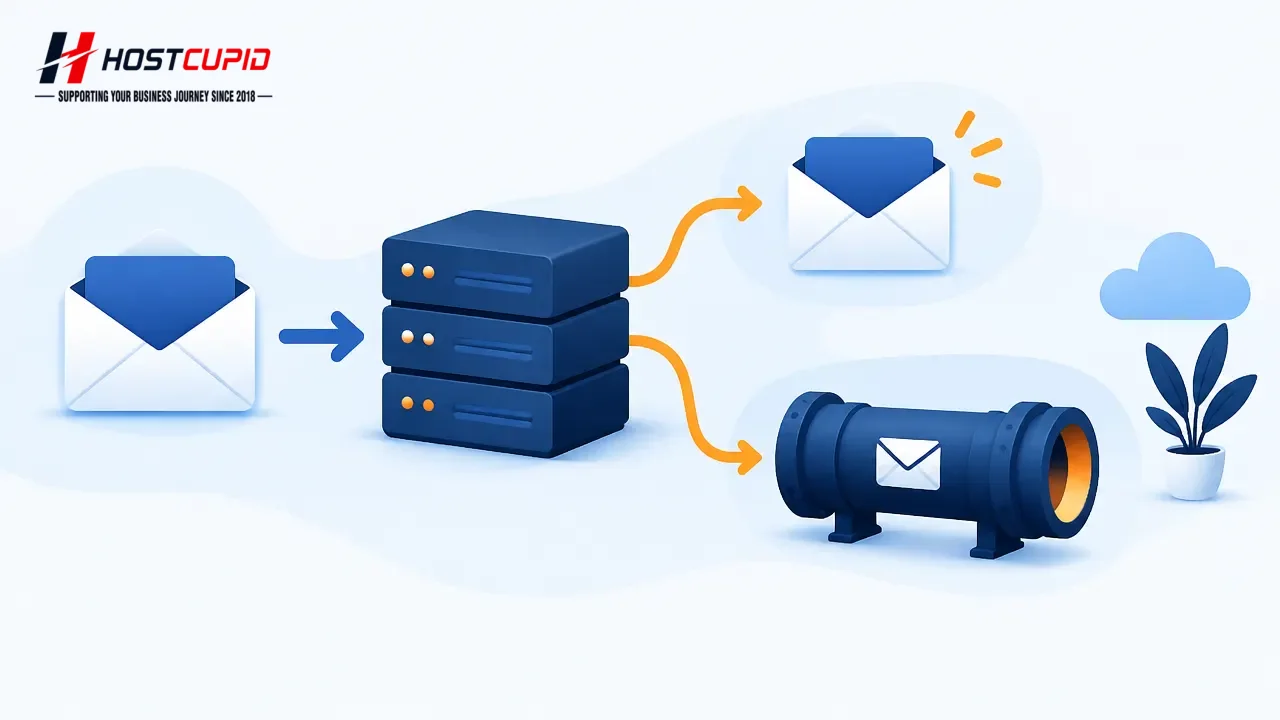
Forward email to another addressLog in to cPanel and, in the Email section, click Forwarders, then Add Forwarder.In Address to Forward, enter the mailbox name (fo...

You can access your email account through Webmail using a browser.Go to http://example.com/webmail, replacing example.com with your domain. Enter your full email ...

To change an email account password in cPanel:Log in to cPanel.In the Email section, click Email Accounts.Find the email account and click Manage or Change Passwo...

To create an email address in cPanel:Log in to your cPanel account.In the Email section, click Email Accounts.Enter the name for the email address, such as my-fir...