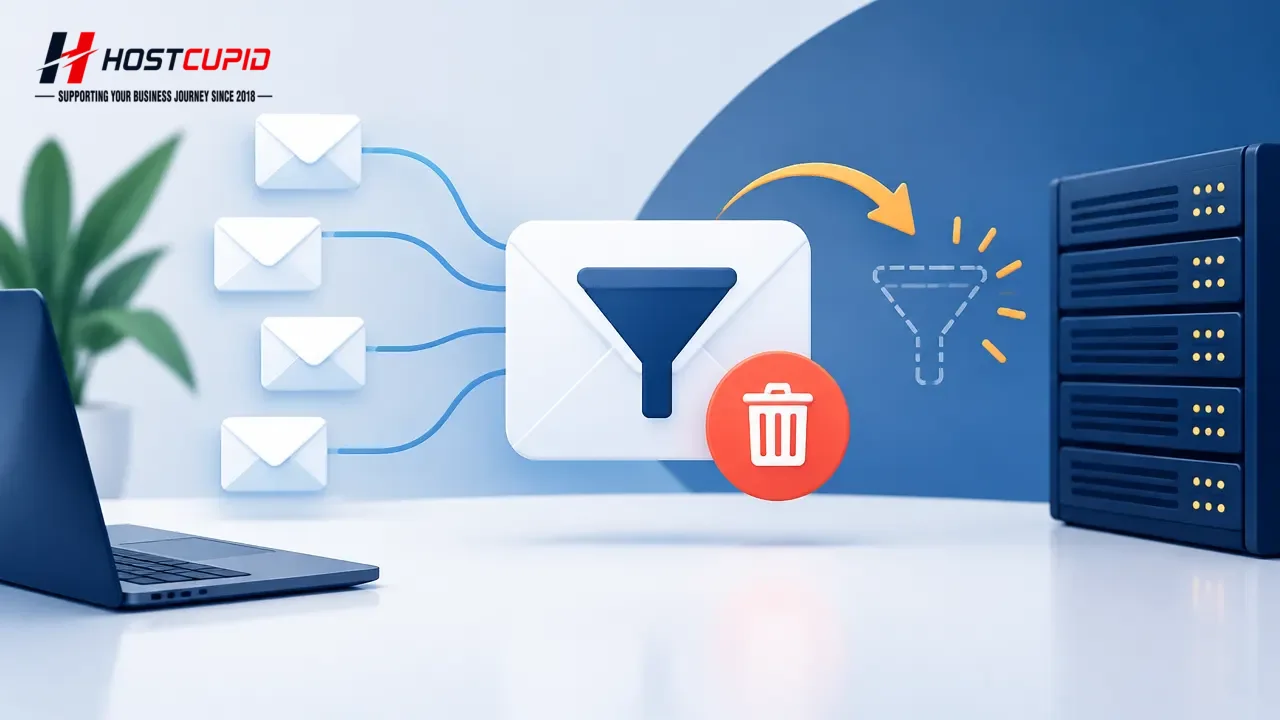
How to Delete a User-Level Email Filter in cPanel
Log in to your cPanel account.In the Email section, click Email Filters.Under Filters by Users, find the email account and click Manage Filters next to it.Under C...
Read guide →

Search 8 HostCupid guides covering hosting, cPanel, WordPress, domains, email, security and website operations.
8articles
Log in to your cPanel account.In the Email section, click Email Filters.Under Filters by Users, find the email account and click Manage Filters next to it.Under C...
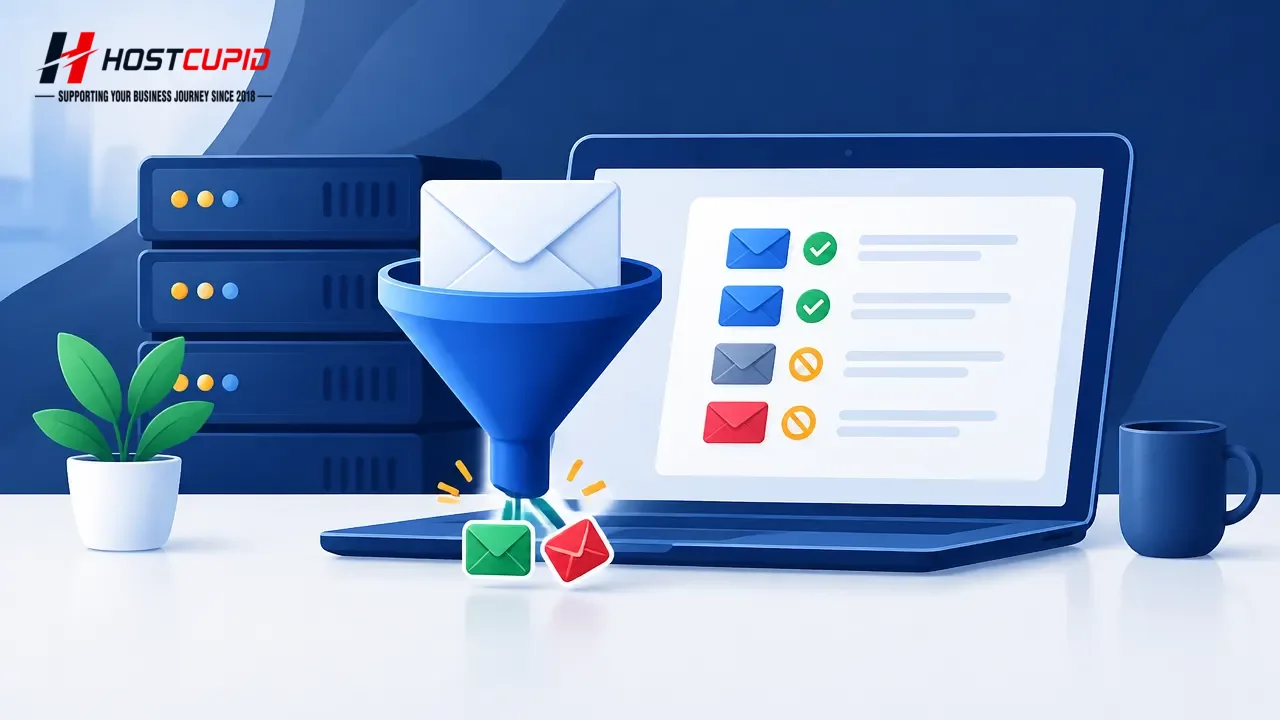
Log in to your cPanel account.In the Email section, click Email Filters.Under Filters by Users, find the email account and click Manage Filters next to it.Under C...

cPanel provides spam filtering controls that analyse incoming messages and assign a spam score. Log in to your cPanel account. Open the Email section and select S...
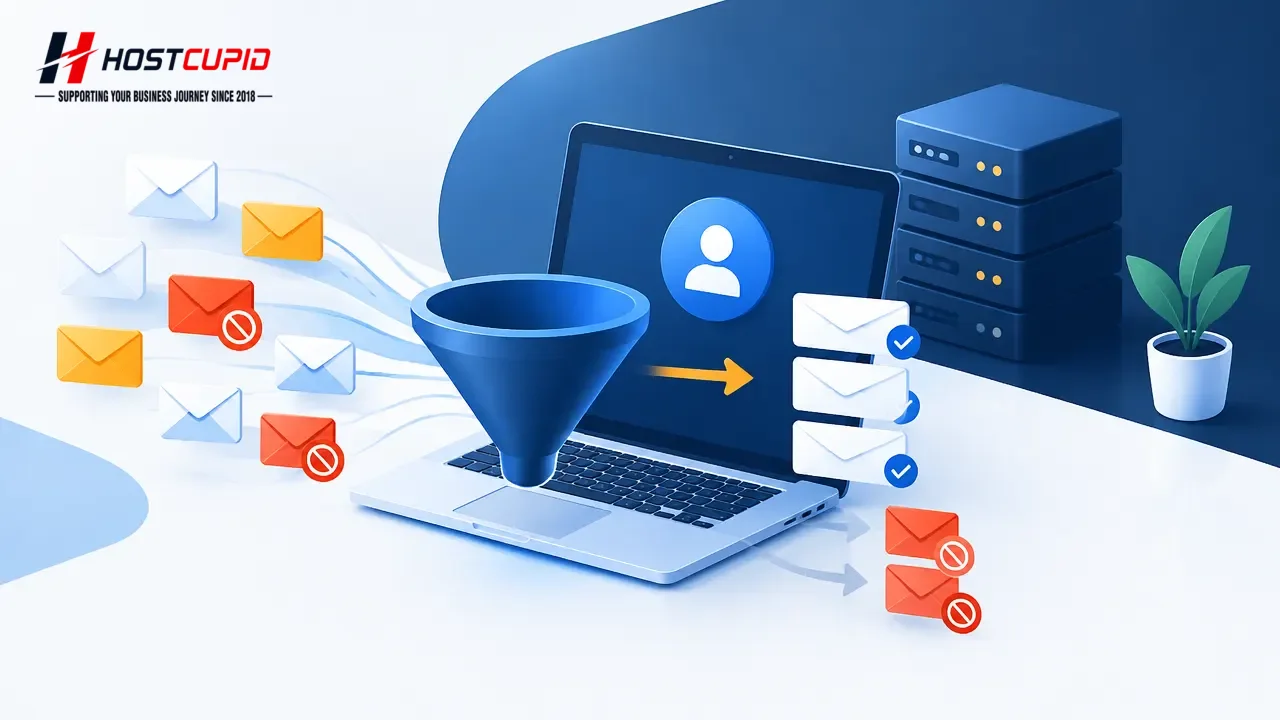
cPanel email filters can sort or discard messages that match rules you define.Log in to cPanel.In the Email section, click Email Filters.Under Filters by Users, f...
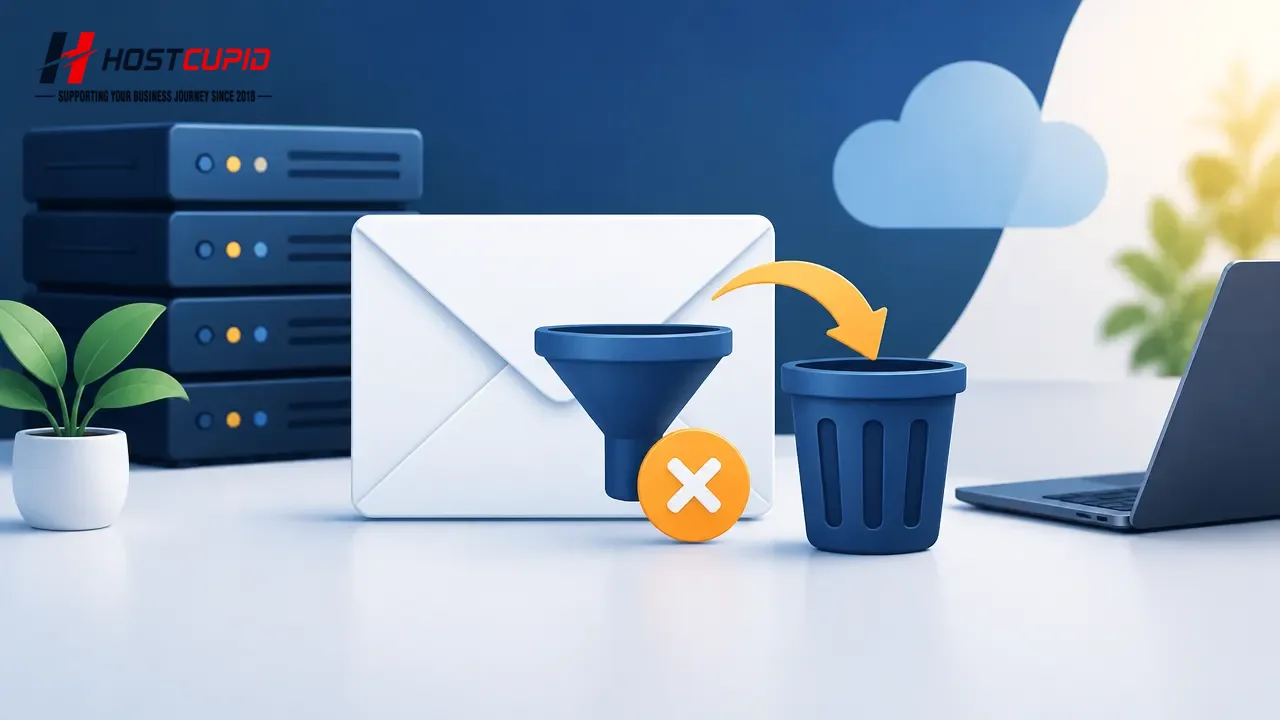
Open Account-Level Filtering in cPanel.Under Current Filters, find the filter you want to remove and click Delete next to its name.Click Delete Filter to confirm.
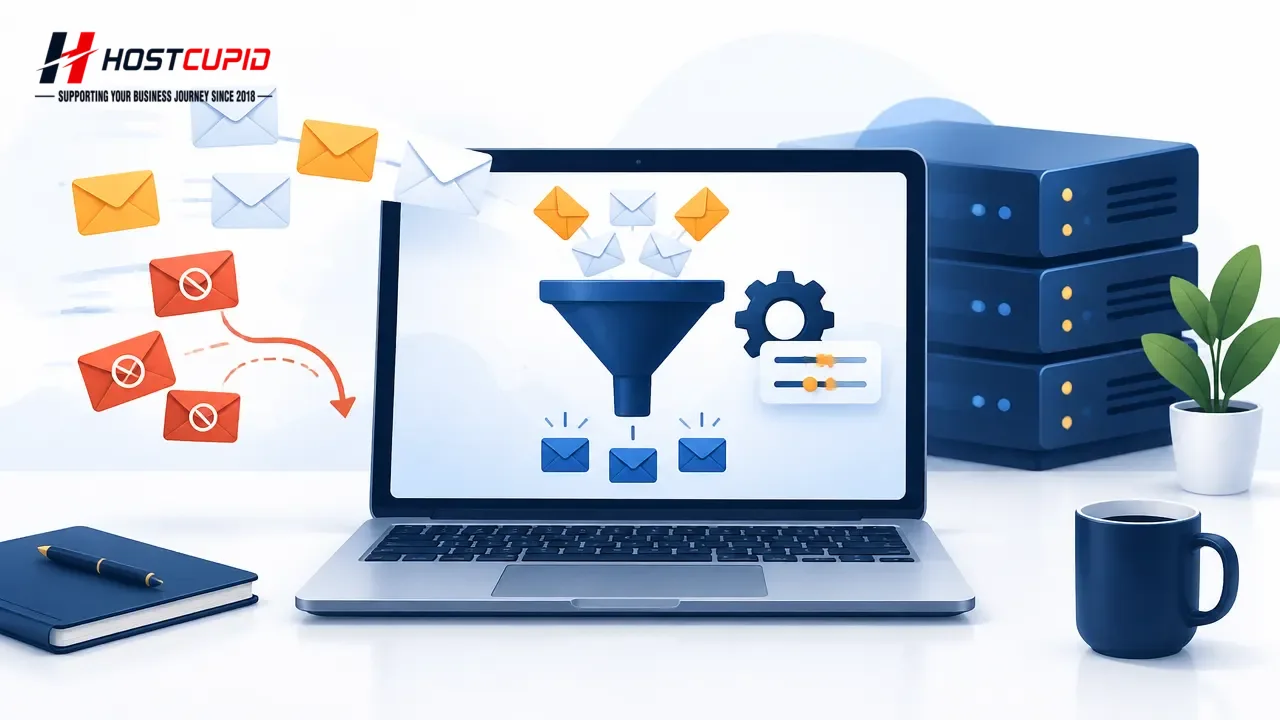
Log in to your cPanel account.In the Email section, click Global Email Filters.Under Current Filters, find the filter you want to change and click Edit next to it...

Global email filters can help manage unwanted messages by discarding them or applying other actions. Use the steps below to create a filter that discards messages...
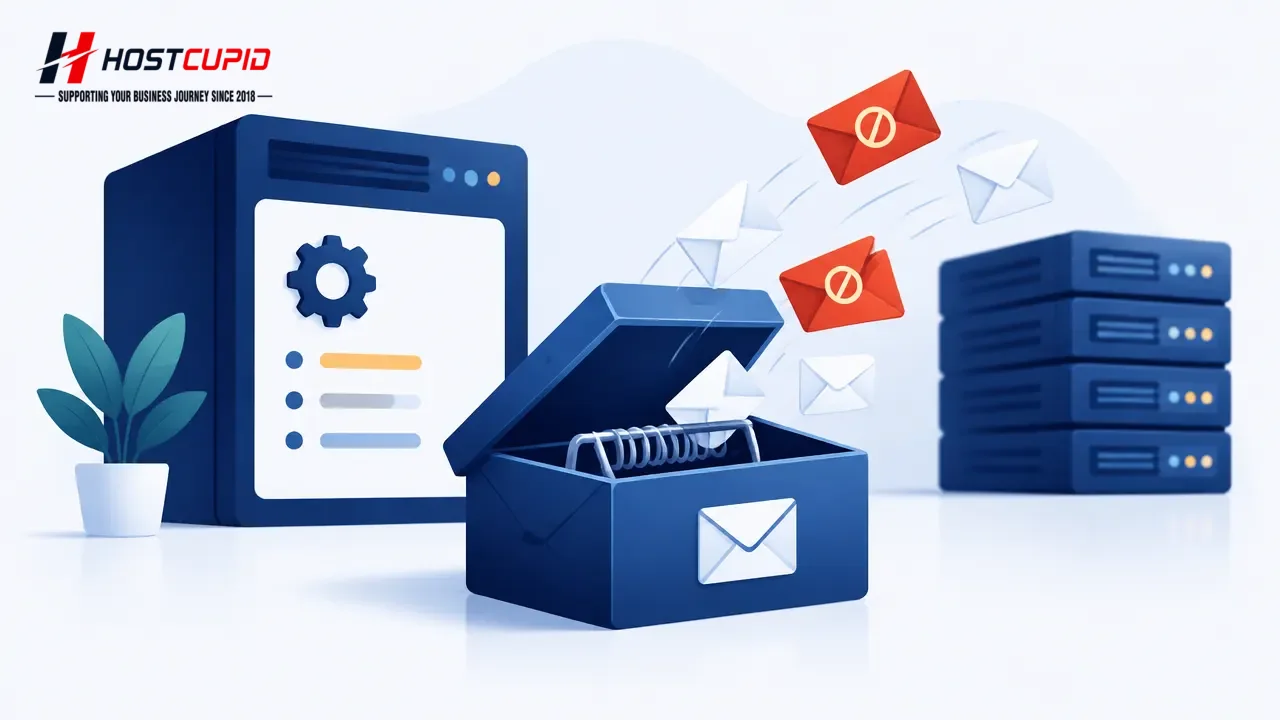
BoxTrapper requires senders who are not on your whitelist to reply to a verification email before their messages reach your inbox. You can enable it for individua...