
Restrict Directory Access by IP Address with .htaccess
Tip: if you cannot see the .htaccess file in cPanel File Manager, enable Show Hidden Files (dotfiles) in File Manager settings.You can restrict access to a direct...
Read guide →

Search 10 HostCupid guides covering hosting, cPanel, WordPress, domains, email, security and website operations.
10articles
Tip: if you cannot see the .htaccess file in cPanel File Manager, enable Show Hidden Files (dotfiles) in File Manager settings.You can restrict access to a direct...

Tip: if you cannot see the .htaccess file in cPanel File Manager, enable Show Hidden Files (dotfiles) in File Manager settings.To prevent visitors from requesting...
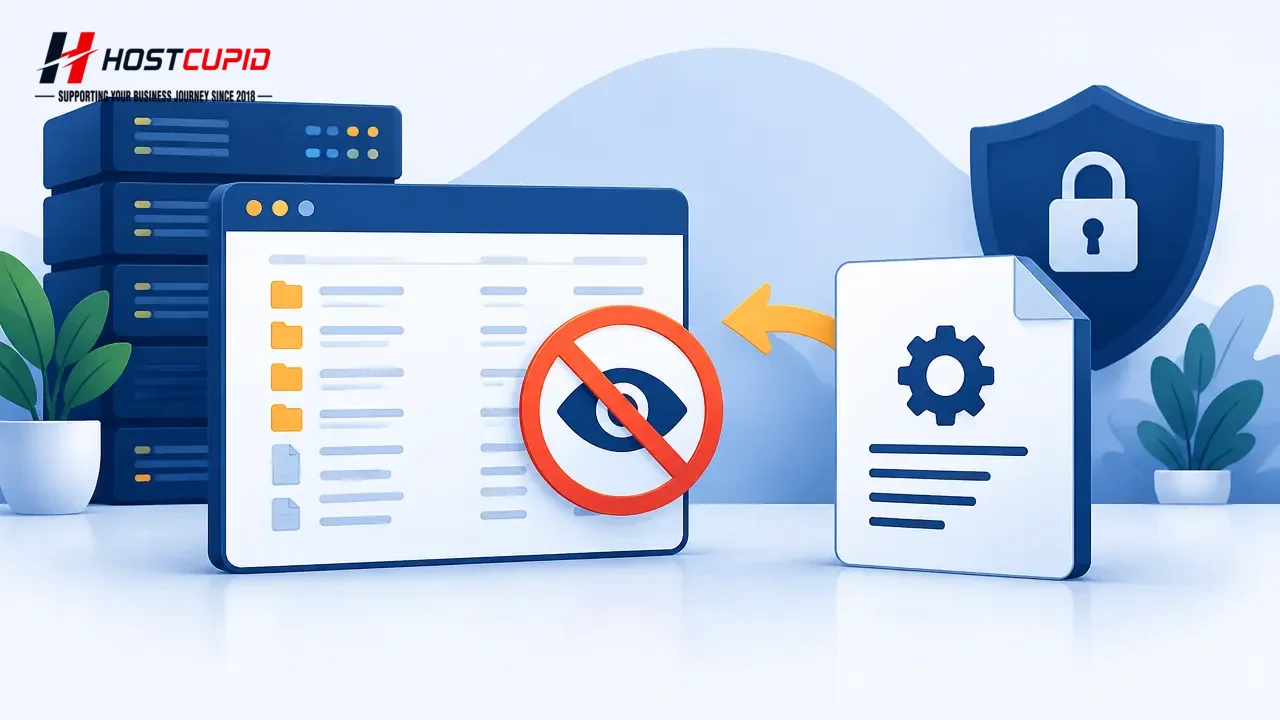
Tip: if you cannot see the .htaccess file in cPanel File Manager, enable Show Hidden Files (dotfiles) in File Manager settings.To prevent visitors from seeing a l...
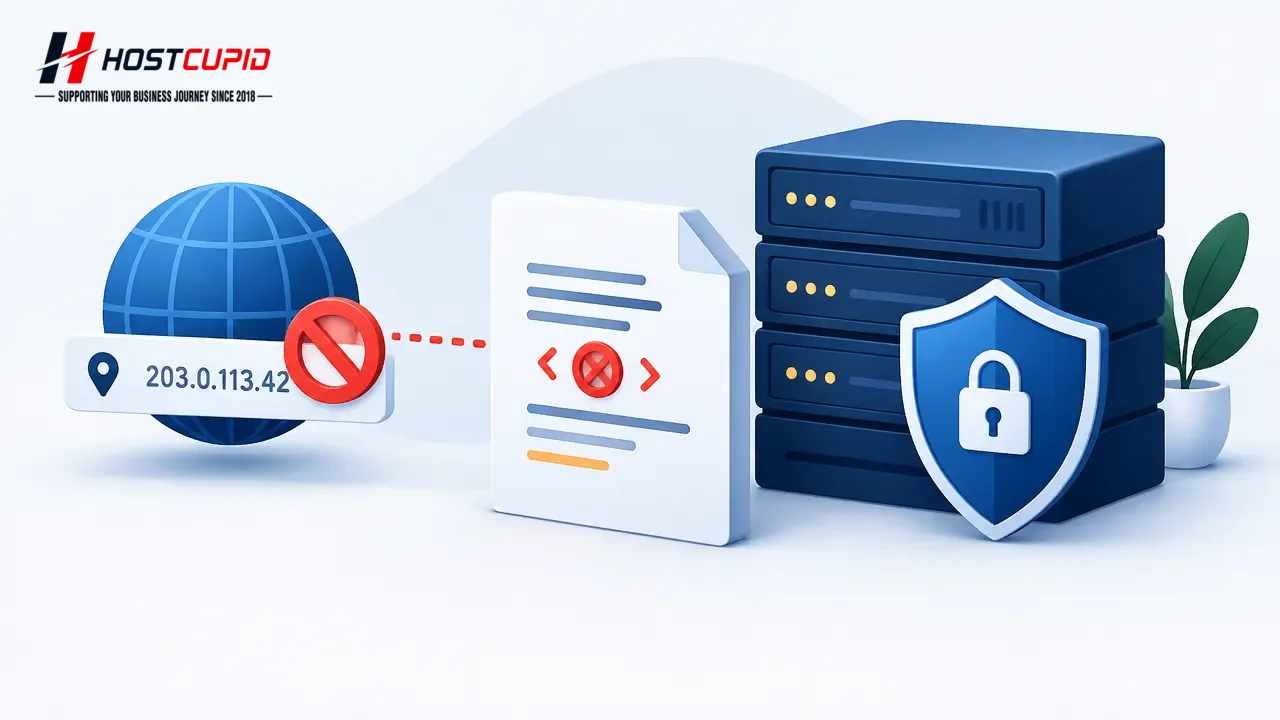
Tip: if you cannot see the .htaccess file in cPanel File Manager, enable Show Hidden Files (dotfiles) in File Manager settings.To block a specific IP address from...

To disable two-factor authentication for your cPanel account:Log in to cPanel.In the Security section, click Two-Factor Authentication.Click Remove Two-Factor Aut...

Two-factor authentication (2FA) adds a verification step when you sign in to cPanel. To set it up, you need a smartphone with an app that supports time-based one-...

An external website can use an <img> tag to display an image hosted on your site. This can use your site’s bandwidth. Hotlink Protection lets you control which we...

Use cPanel’s IP Blocker to block an IP address or range from accessing your website. Log in to your cPanel account. In the Security section, click IP Blocker. Und...

Use cPanel’s Directory Privacy feature to require a username and password before visitors can access a folder.Log in to cPanel.In the Files section, click Directo...

Is your IP frequently blocked when you access a wordpress admin area or any type of script with a web browser? Are you left with the feeling that your IP is block...