
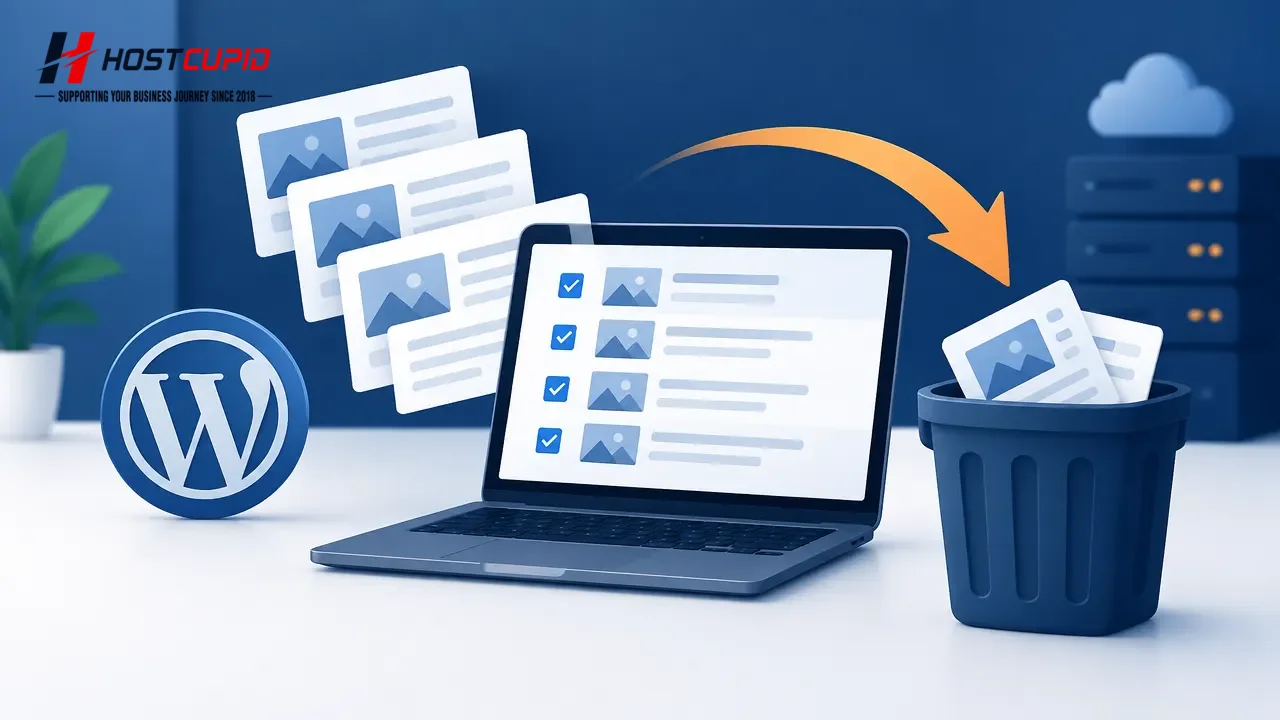
- Log in to your WordPress admin dashboard.
- In the sidebar, go to Posts and select All Posts.
- Select the checkbox at the top of the posts list to select all posts on the current page. To remove only certain posts, select the checkbox next to each one instead.
- Open the Bulk actions menu, choose Move to Trash, then click Apply.
The selected posts are moved to the Trash and are no longer available on your site. Selecting all posts this way applies to the current page of the list.