
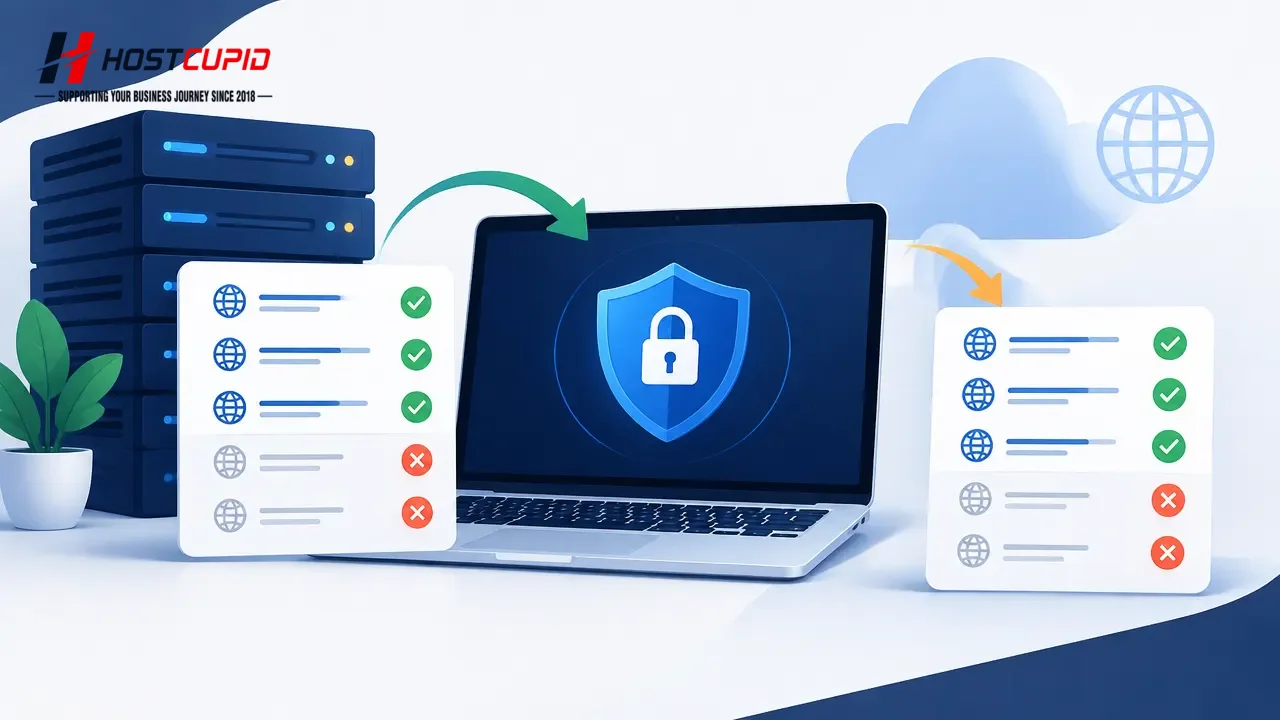
Newly created domains may take a few hours to receive an AutoSSL certificate. If a certificate has not been installed after 24 hours, check the AutoSSL log under cPanel > SSL/TLS Status > Certificate Status.
- Log in to cPanel and open SSL/TLS Status in the Security section.
- In the domain list, select the domain or subdomains you want to include, then click Include x domains during AutoSSL.
- To exclude a domain you previously included, select it in the list and click Exclude x domains during AutoSSL.
You can exclude only domains that you previously included.