
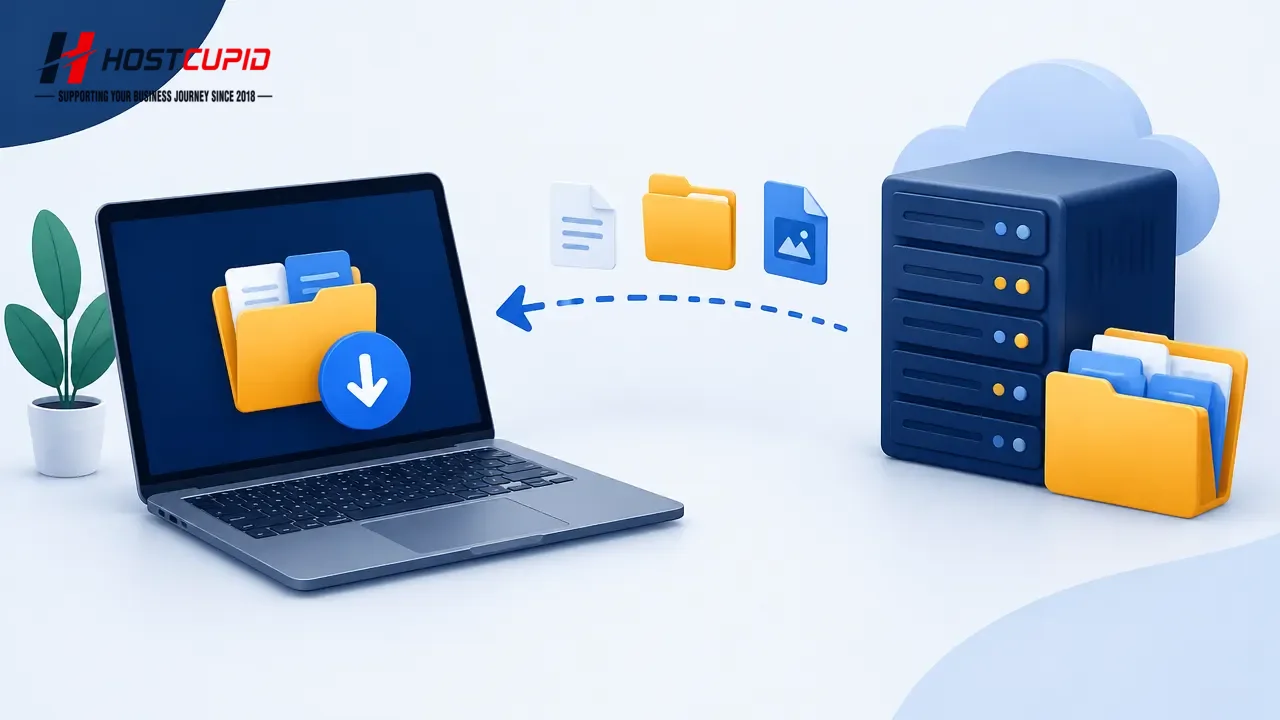
Use FileZilla to download files and folders from your website to your computer.
Open FileZilla Client.
Enter your FTP host, username, and password, then select Quickconnect. You can use your cPanel username and password as your FTP credentials. For the host, enter your domain name, such as
ftp.example.comorexample.com.In the right-hand pane, under Remote site, select the files or folders you want to download. To select multiple items, hold Ctrl while clicking them. Right-click the selection and choose Download.
FileZilla displays the transfer progress as the download proceeds.