
How to Edit a File in the SiteWorx File Manager
Log in to SiteWorx. For example, visit https://www.example.com:2443/siteworx/, replacing the domain with your own.In the SiteWorx menu, select File Manager.Naviga...
Read guide →

Search 314 HostCupid guides covering hosting, cPanel, WordPress, domains, email, security and website operations.
314articles
Log in to SiteWorx. For example, visit https://www.example.com:2443/siteworx/, replacing the domain with your own.In the SiteWorx menu, select File Manager.Naviga...

If you do not want to use third-party FTP software, you can upload files with the built-in SiteWorx File Manager.Log in to SiteWorx (for example, at www.example.c...

Log in to SiteWorx. For example, open www.example.com:2443/siteworx/, replacing the domain with your own.In the SiteWorx menu, open Statistics.Select AWStats.Choo...

Log in to SiteWorx, for example at www.example.com:2443/siteworx/.In the SiteWorx menu, open Administration.Click User Accounts.Under Action, click Edit for your ...

To update the email address associated with your SiteWorx account:Log in to SiteWorx (for example, at www.example.com:2443/siteworx/).Under SiteWorx User Manageme...

After signing in to SiteWorx, follow these steps to change your account password:Open your SiteWorx account, for example at www.example.com:2443/siteworx/.Under S...

Log in to SiteWorx (for example, at www.example.com:2443/siteworx/). In the SiteWorx menu, open Backups, then select Management. Choose Restore account from backu...

Log in to SiteWorx, for example at www.example.com:2443/siteworx/. In the SiteWorx menu, click Backups. Click Backup Now. Select Full Backup as the backup type an...

To point a domain registered with 123-reg to your hosting account, replace its current nameservers with the nameserver details provided in your hosting welcome em...

An external website can use an <img> tag to display an image hosted on your site. This can use your site’s bandwidth. Hotlink Protection lets you control which we...
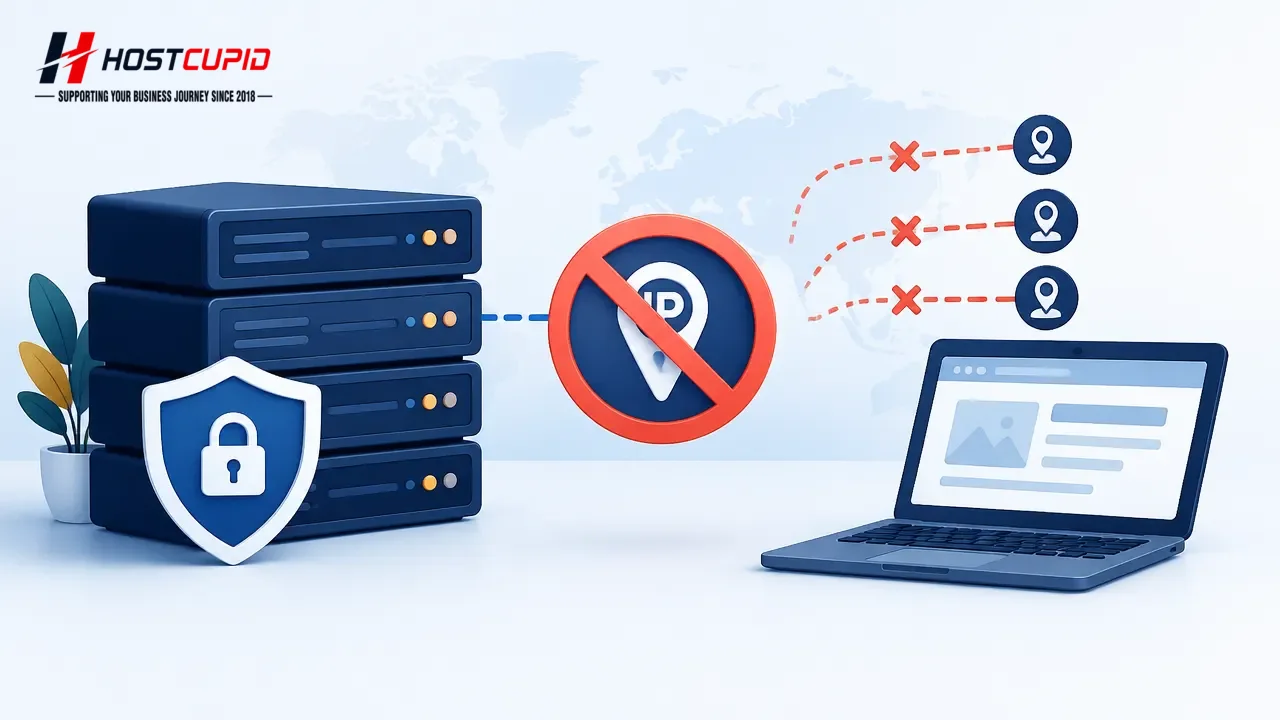
Use cPanel’s IP Blocker to block an IP address or range from accessing your website. Log in to your cPanel account. In the Security section, click IP Blocker. Und...

Use cPanel’s Directory Privacy feature to require a username and password before visitors can access a folder.Log in to cPanel.In the Files section, click Directo...