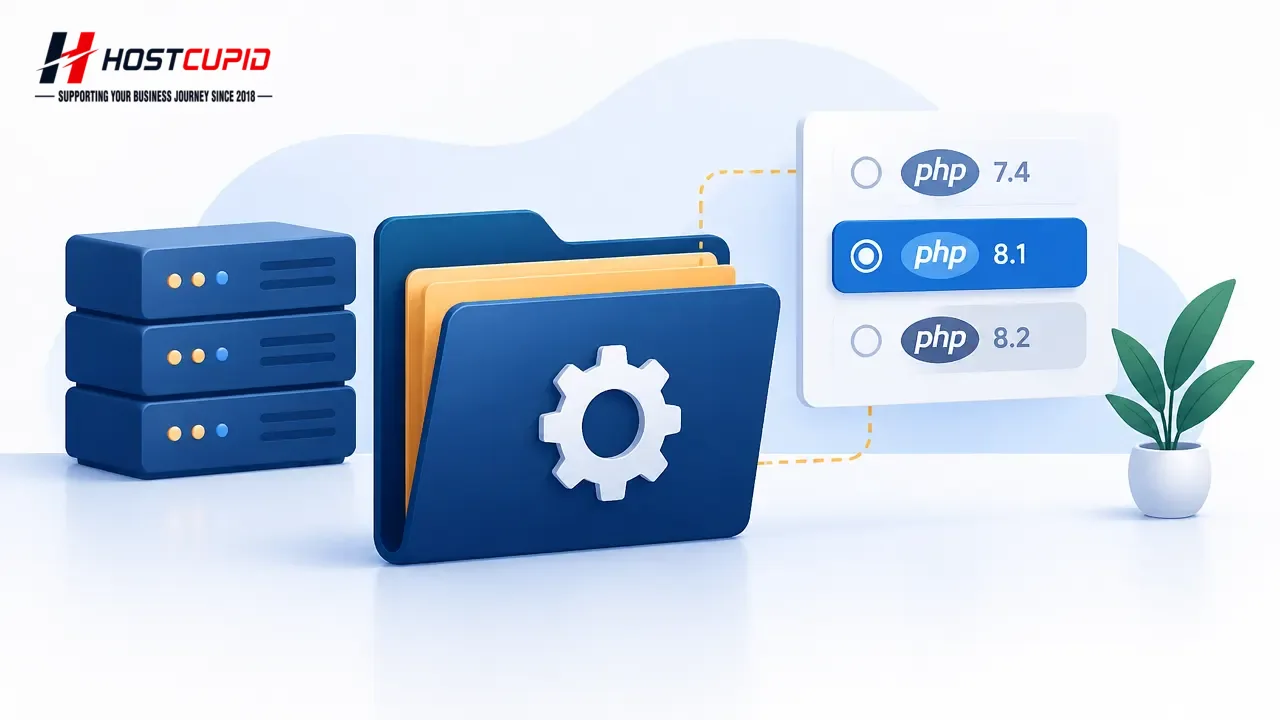
How to Set the PHP Version for a Folder in cPanel
You can use a different PHP version for a folder than the one used by your domain by placing the appropriate PHP handler directive in that folder’s .htaccess file...
Read guide →

Search 24 HostCupid guides covering hosting, cPanel, WordPress, domains, email, security and website operations.
24articles
You can use a different PHP version for a folder than the one used by your domain by placing the appropriate PHP handler directive in that folder’s .htaccess file...
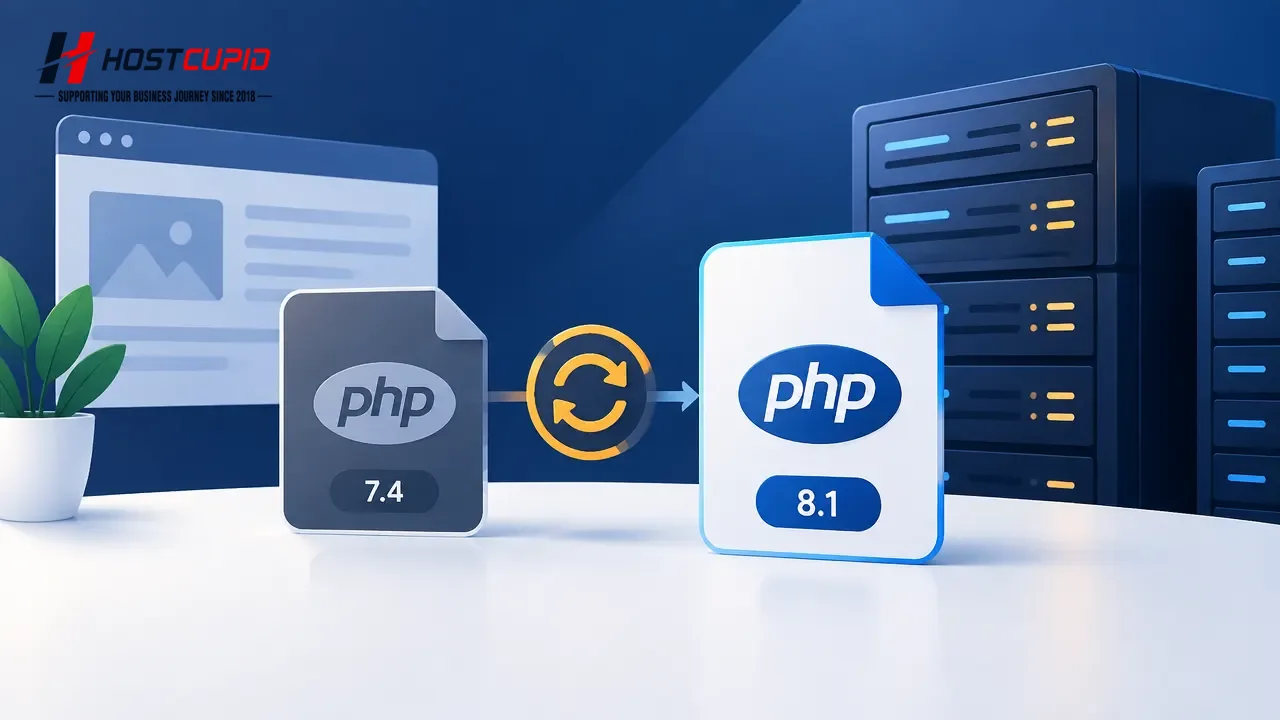
Log in to your cPanel account.In the Software section, open MultiPHP Manager.Select your domain, then choose Inherit from the PHP Version dropdown and click Apply...
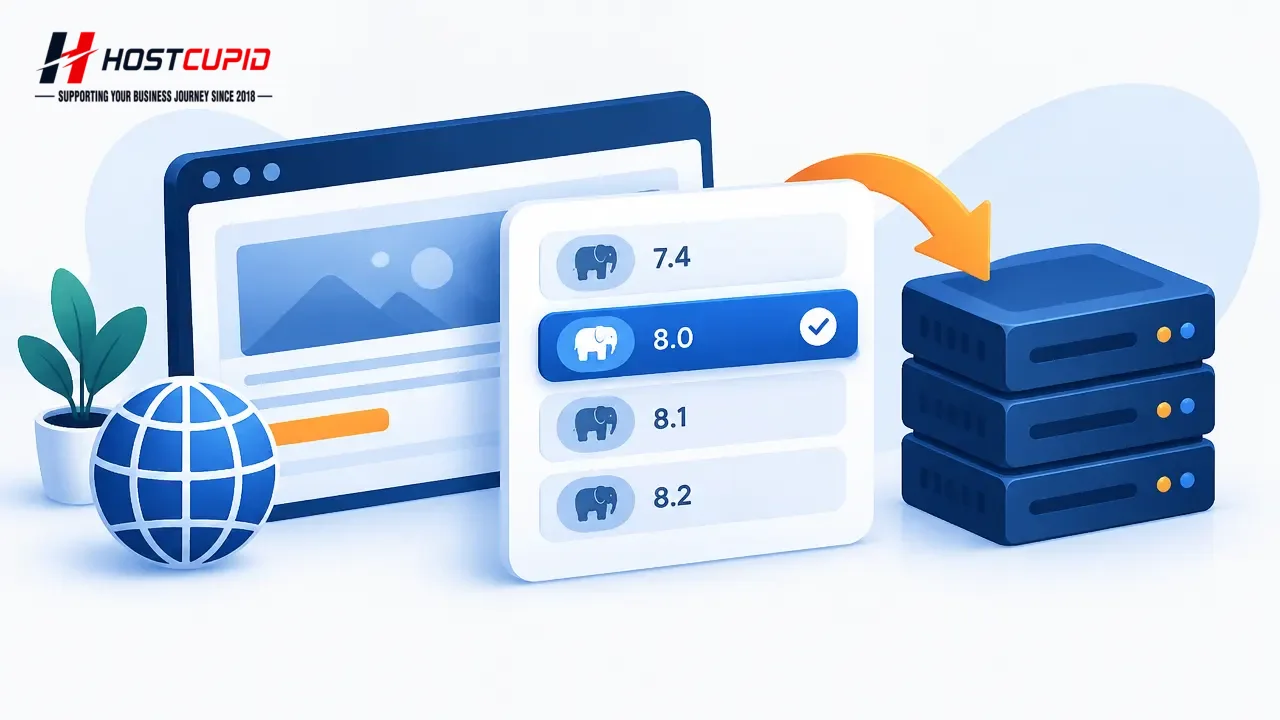
To change the PHP version for a domain, use MultiPHP Manager in cPanel.Log in to your cPanel account.In the Software section, open MultiPHP Manager.Select your do...

To receive cron job output or notifications at a different address, update the Cron Email setting in cPanel.Log in to your cPanel account.In the Advanced section,...

Edit a cron jobLog in to your cPanel account.In the Advanced section, click Cron Jobs.Scroll to Current Cron Jobs and find the cron job you want to change. Click ...

Log in to your cPanel account.In the Advanced section, click Cron Jobs.Under Add New Cron Job, choose a schedule from Common Settings, such as Once Per Day, or en...

Log in to your cPanel account.In the Files section, click File Manager.Select the appropriate domain or folder location, then click Go.Navigate to the directory c...

Log in to your cPanel account.In the Files section, click File Manager.Select the domain or folder location, then click Go if prompted.Navigate to the directory c...
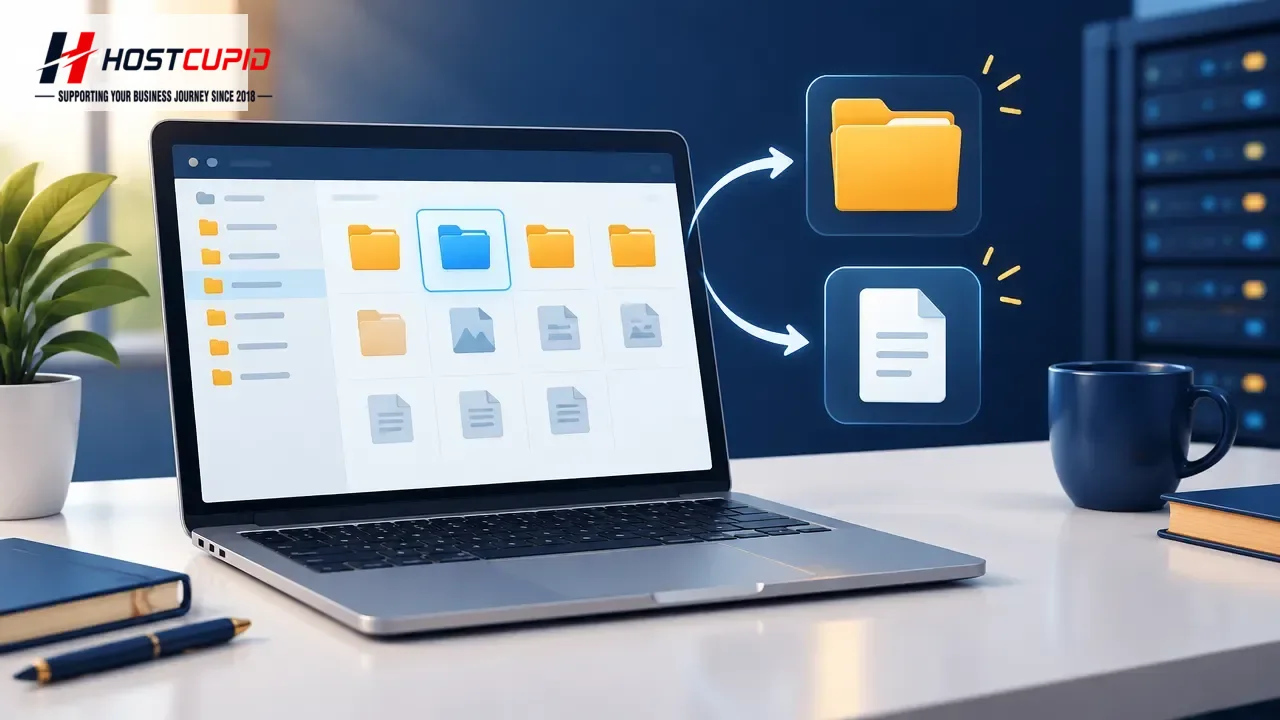
Log in to your cPanel account.In the Files section, click File Manager.Select the domain or folder location where you want to create the item, then click Go.To cr...
You can upload files through cPanel File Manager without using separate FTP software.Log in to cPanel.In the Files section, click File Manager.In File Manager, op...

You can change the language used by the cPanel interface from your account preferences. Log in to your cPanel account. Open Preferences and select Account Prefere...

Update your contact information in cPanel to receive system notifications about disk quota, bandwidth usage, or email disk quota limits.Log in to your cPanel acco...