
How to Enable or Disable APIC, ACPI, VNC, or PAE in SolusVM
Log in to your SolusVM control panel.If you manage multiple VPSs, select the VPS you want to configure.Scroll to the Settings section. Find the APIC, ACPI, VNC, o...
Read guide →

Search 314 HostCupid guides covering hosting, cPanel, WordPress, domains, email, security and website operations.
314articles
Log in to your SolusVM control panel.If you manage multiple VPSs, select the VPS you want to configure.Scroll to the Settings section. Find the APIC, ACPI, VNC, o...
If your VPS is offline, you can start it from the SolusVM control panel. Log in to your SolusVM control panel. If you manage multiple VPS instances, select the VP...
Shut down your VPS gracefully in SolusVMLog in to the SolusVM control panel.If you manage multiple VPSs, select the VPS you want to shut down.Scroll down and clic...
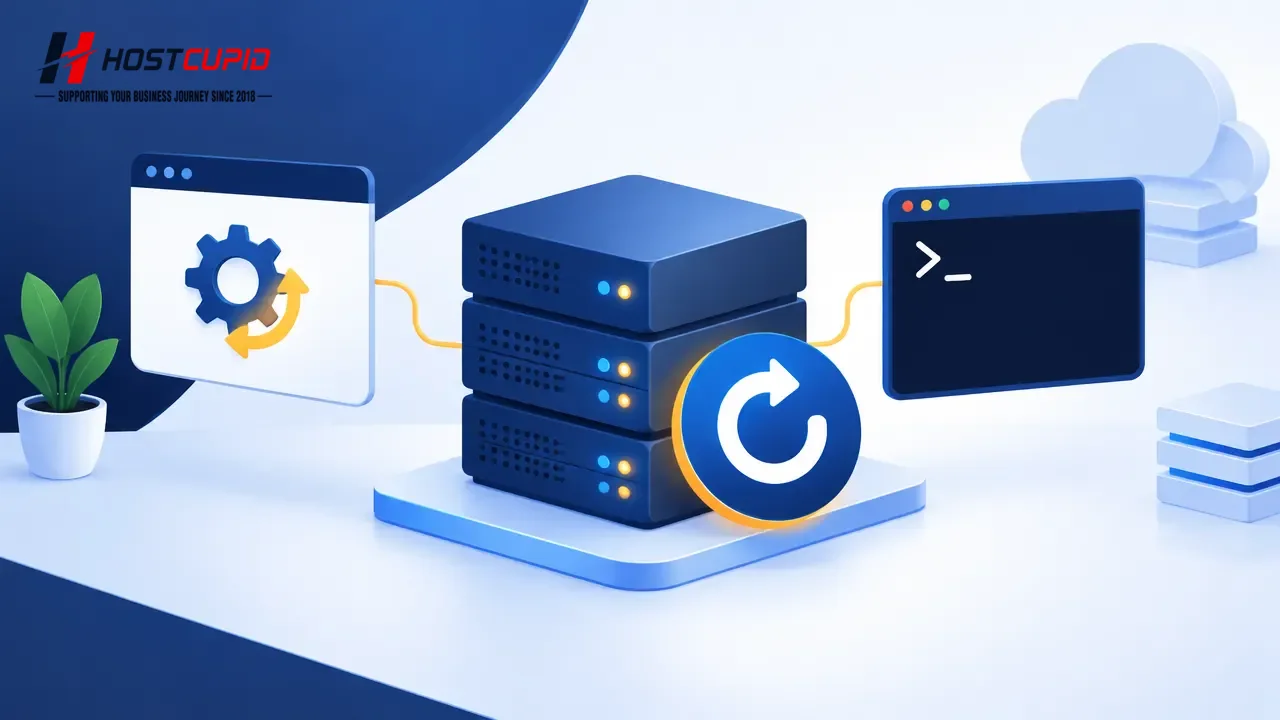
You can restart your VPS from SolusVM or through an SSH command. A command-line restart allows the operating system to shut down processes before rebooting.Restar...
If you can sign in to your SolusVM control panel, follow these steps to change its password.Sign in to the SolusVM control panel.If you manage multiple VPS instan...
SolusVM can send an email alert when you log in to the VPS control panel. You can enable or disable this setting in your account settings. Keeping login alerts en...

To change the email address associated with your SolusVM account: Log in to your SolusVM control panel. If you have multiple VPS instances, select the appropriate...
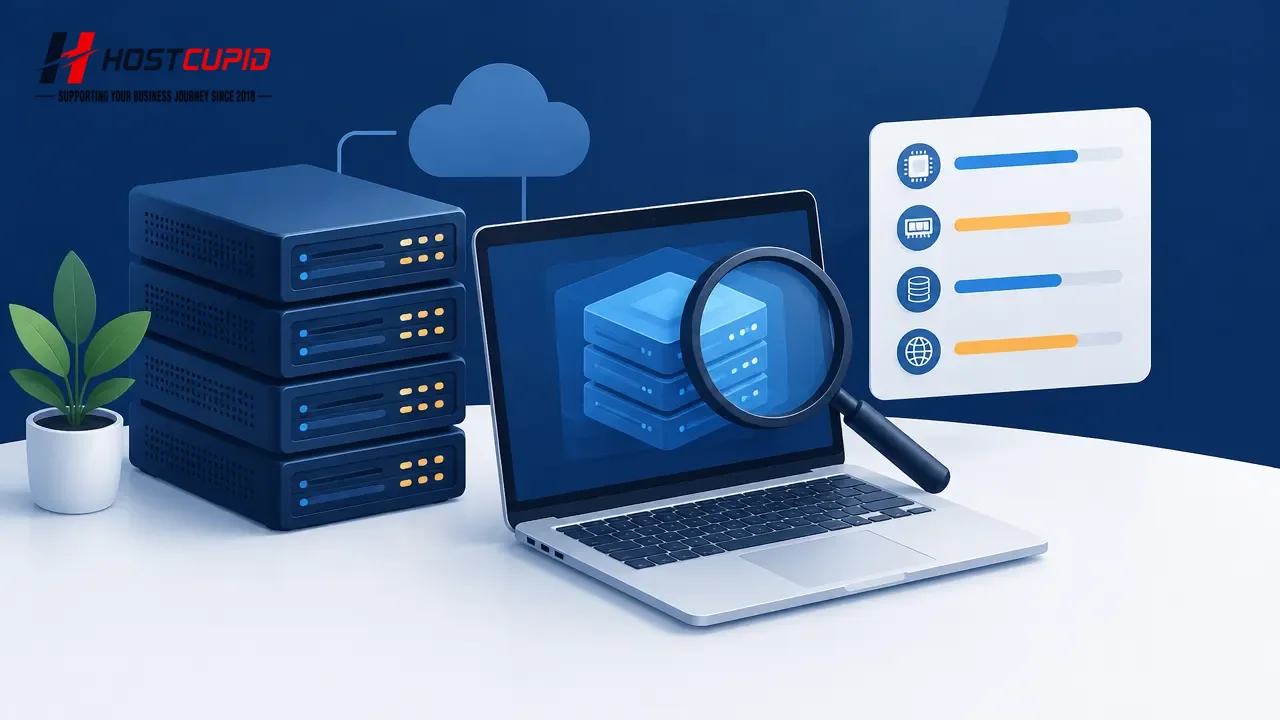
Use the SolusVM Control Panel to view basic VPS specifications, including its IP address, disk size, available RAM, hostname, and virtualization type.Log in to th...
You can check whether your VPS is online or offline in the SolusVM Control Panel.Log in to your SolusVM Control Panel.If you have multiple VPSs, select the one yo...
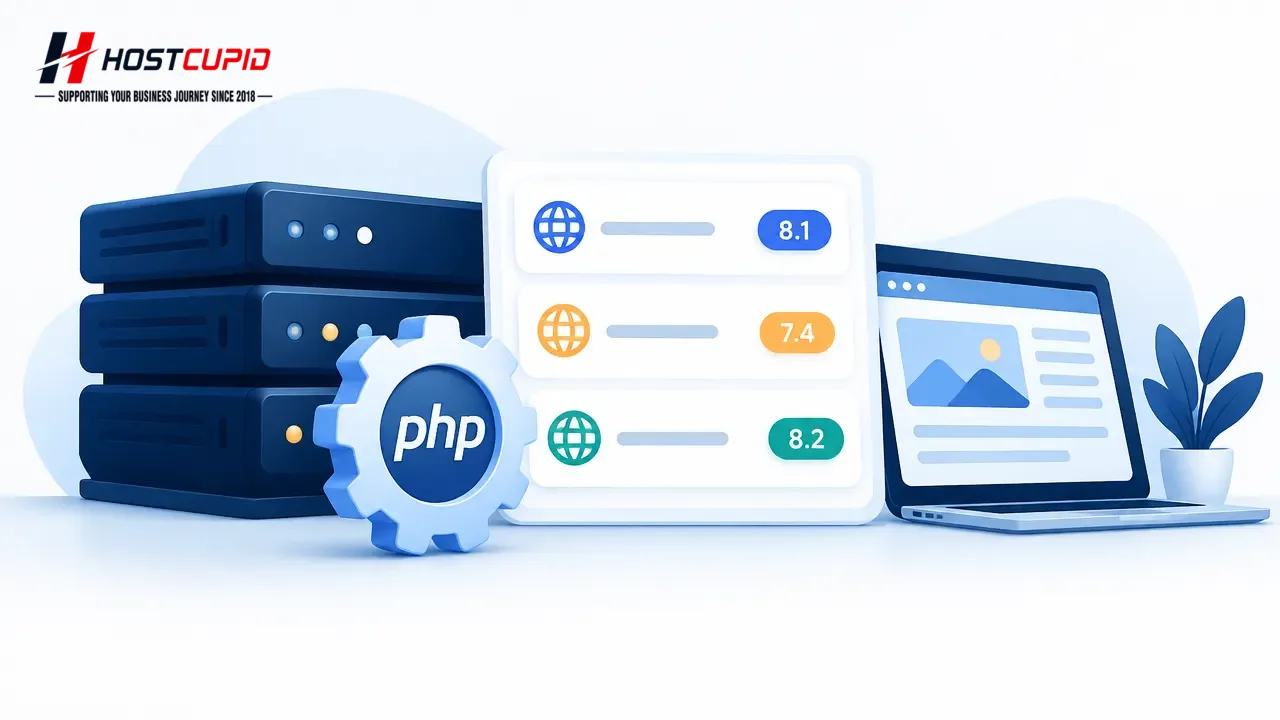
You can use different PHP versions for different domains in your cPanel account. For example, you can assign one version to Example1 and another to Example2. Log ...
Log in to your WordPress admin dashboard.In the dashboard menu, go to Posts and select Categories.Find the category you want to remove. Hover over its name and cl...
WordPress does not let you delete its default category while it is assigned as the default for posts. You can rename it instead.Log in to your WordPress admin das...