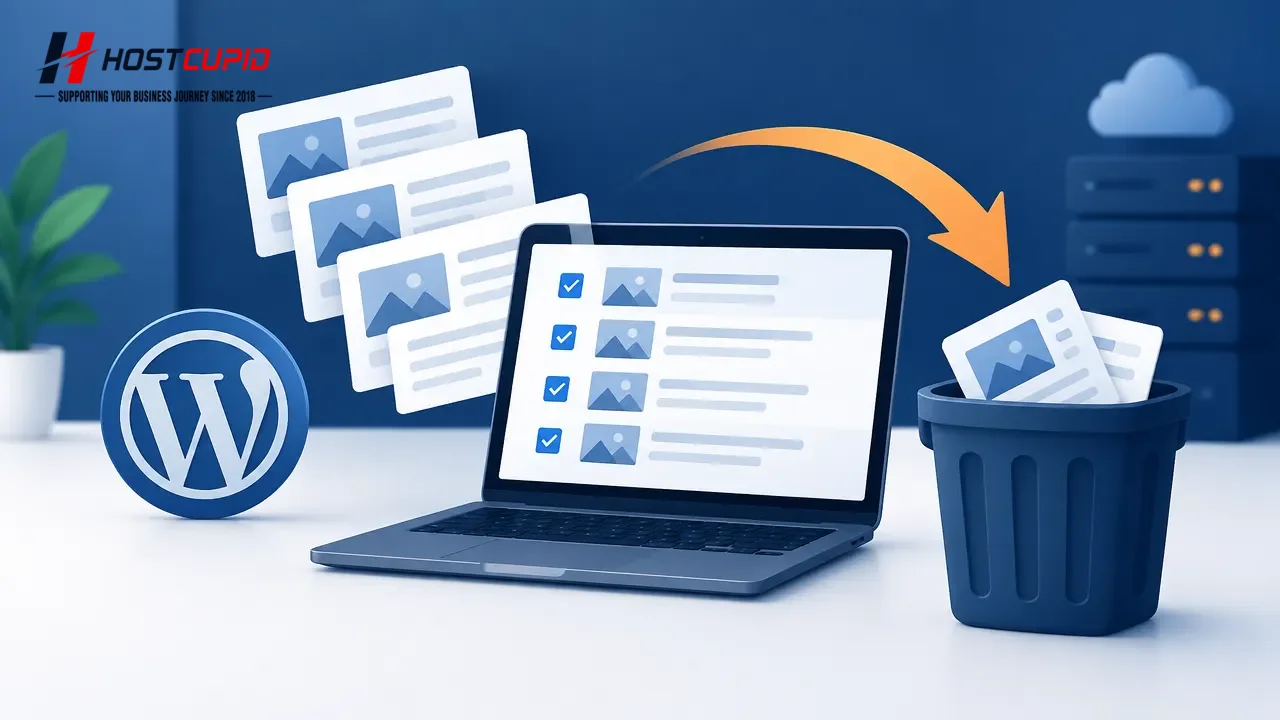
How to Remove Multiple Posts in WordPress
Log in to your WordPress admin dashboard. In the sidebar, go to Posts and select All Posts. Select the checkbox at the top of the posts list to select all posts o...
Read guide →

Search 314 HostCupid guides covering hosting, cPanel, WordPress, domains, email, security and website operations.
314articles
Log in to your WordPress admin dashboard. In the sidebar, go to Posts and select All Posts. Select the checkbox at the top of the posts list to select all posts o...

You can remove a published or draft post by moving it to the Trash.Log in to your WordPress admin dashboard.In the dashboard menu, hover over Posts and click All ...

To remove the default sample content from a new WordPress site: Log in to your WordPress admin dashboard. Go to Posts > All Posts. Hover over the “Hello world!” p...

Forward a message in Mozilla Thunderbird to share it with another recipient.Open Mozilla Thunderbird and go to your Inbox.Select the message you want to forward, ...

To delete a message, open Mozilla Thunderbird and locate the email you want to remove. How deletion affects the server depends on your account type and settings: ...

You can use Mozilla Thunderbird to send email without signing in to cPanel webmail. Your email account must already be set up in Thunderbird.Open Mozilla Thunderb...

Open Mozilla Thunderbird.In the left pane, find your email account. If its folders are hidden, click the account name to expand the folder list, then select Inbox...

Open the email app where your cPanel email account is set up, then follow these steps to delete a message.Open your inbox.Touch and hold the message you want to d...

You can replace the default “Sent from my iPhone” signature with a custom sign-off in your iPhone or iPad settings.Open Settings.Tap Mail. On older iOS versions, ...

Choose how often your iPhone or iPad checks for new messages from your cPanel email account.Open Settings on your device.Tap Mail, Contacts, Calendars. On newer i...

Before checking for new messages, make sure you have added your email account to your iPhone or iPad. If you have not, see the tutorial on adding an email account...

Log in to SiteWorx. For example, visit www.example.com:2443/siteworx/, replacing the domain with your own.In the SiteWorx menu, open Hosting Features if it is not...